How to Create a Professional Bio Page for Your Small Business Without a Full Website
Many small businesses start without a full website.
And that is completely normal.
At the beginning, you may not need a large website with many pages, a blog, a booking system, an online store, and a complex design. Sometimes, all you need is one simple, organized page that collects your most important business links in one place.
This is where a Bio Page becomes useful.
Instead of sending customers a WhatsApp link, Instagram link, location link, product link, and offer link in separate messages, you can place everything inside one clear page.
A professional Bio Page can become your first organized online presence, even if you do not have a full website yet.
What Is a Bio Page?
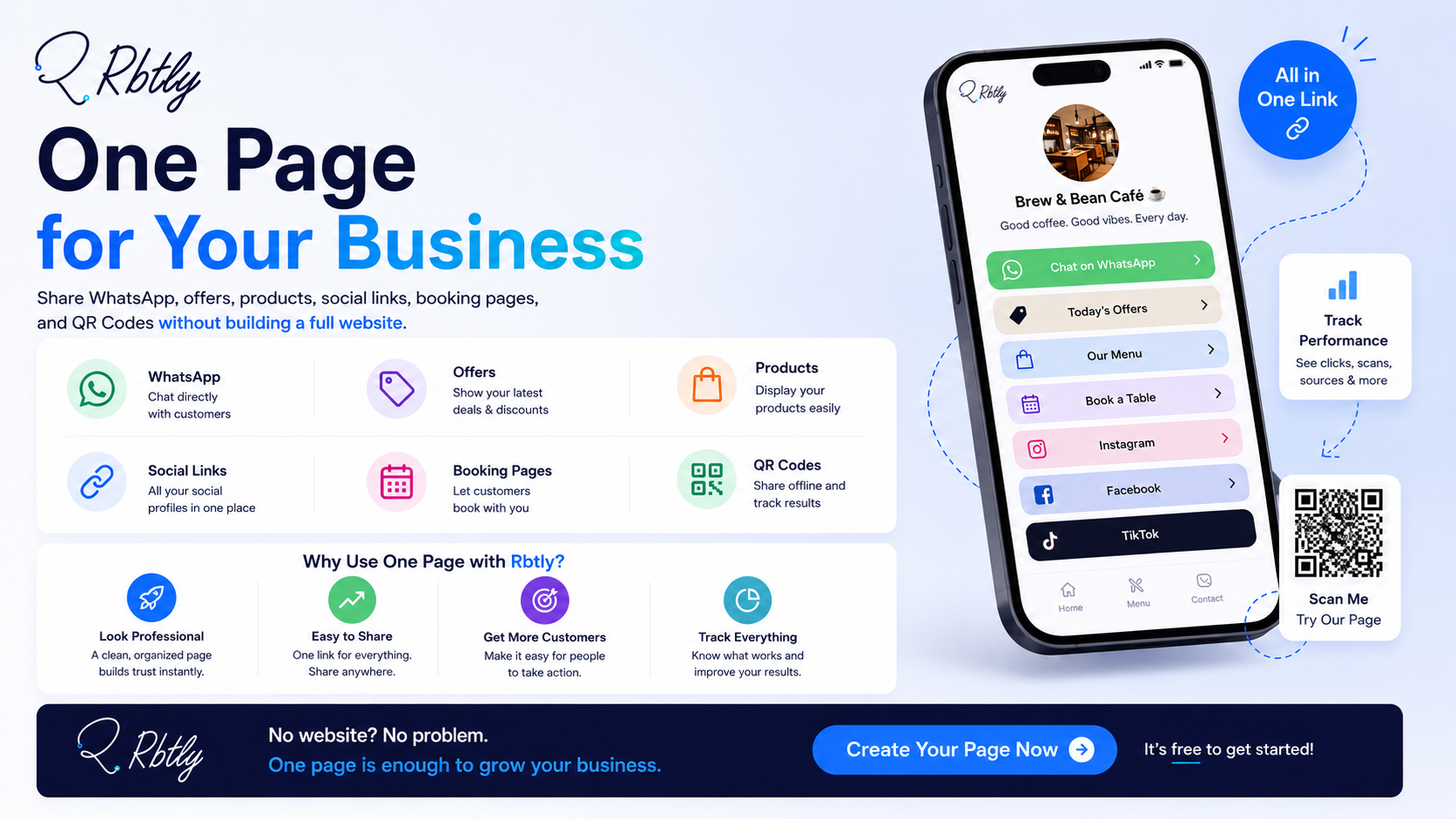
A Bio Page is a simple page that brings your most important links and information together in one place.
Instead of having only one link in your Instagram bio, TikTok bio, or WhatsApp profile, you can use this page to show customers everything they need quickly.
For example:
- A short introduction to your business.
- WhatsApp link.
- Products or services.
- Current offers.
- Location.
- Instagram, Facebook, and TikTok links.
- Payment or booking links.
- Customer reviews.
- Catalog or menu link.
- Registration or service request link.
The idea is that your customer should not need to ask: “Can you send me the location?”, “Where is the menu?”, “How do I order?”, or “Where can I see the prices?”
Everything is available in one clear link.
If you want a wider explanation of Link in Bio tools, read: Best Link in Bio Tool for Small Businesses.
Can a Bio Page Replace a Website?
Not always.
A full website is still important if you have large content, many pages, SEO goals, a complete online store, an advanced booking flow, or a more complex user experience.
But in many cases, especially at the beginning of a small business, Bio Page can be enough as a starting point.
It can be a great option if you:
- Sell through Instagram and WhatsApp.
- Offer a local service.
- Run a small business without a website.
- Need a simple page for offers.
- Need one link in your social media bio.
- Want to organize links instead of sending them in separate messages.
- Need a fast page without the cost of building a full website.
A Bio Page can work as a first step before building a full website, or as a useful tool beside your existing website.
If you are comparing a simple page with a full website, read: Bio Page vs Website.
Why Does a Small Business Need a Professional Bio Page?
1. It Reduces Confusion for Customers
Customers do not want to search too much.
If they only find a WhatsApp link in your bio, they may still ask about your products.
If they only find your Instagram profile, they may not know how to order.
And if you send them five different links in one message, they may feel confused and click nothing.
But when you send a clean Bio Page, the path becomes clearer.
Customers open the page, understand what you offer, choose the right link, and take action.
2. It Makes Your Business Look More Professional
Even if your business is small, the way you present your links matters.
An organized page with a clear description, buttons, offers, WhatsApp, location, and social links creates a better impression than a long message full of scattered links.
Professional does not always mean complex.
Professional means the customer can quickly understand:
- Who are you?
- What do you offer?
- Where can they see products or services?
- How can they contact you?
- What is the next step?
3. It Works Well on Mobile
Most customers open links from mobile phones.
Whether they come from Instagram, Facebook, TikTok, or WhatsApp, the experience usually starts on a small screen.
That is why you need a light, fast, and clear page with easy-to-click buttons, short information, and one clear next step.
This makes a Bio Page especially useful for small businesses.
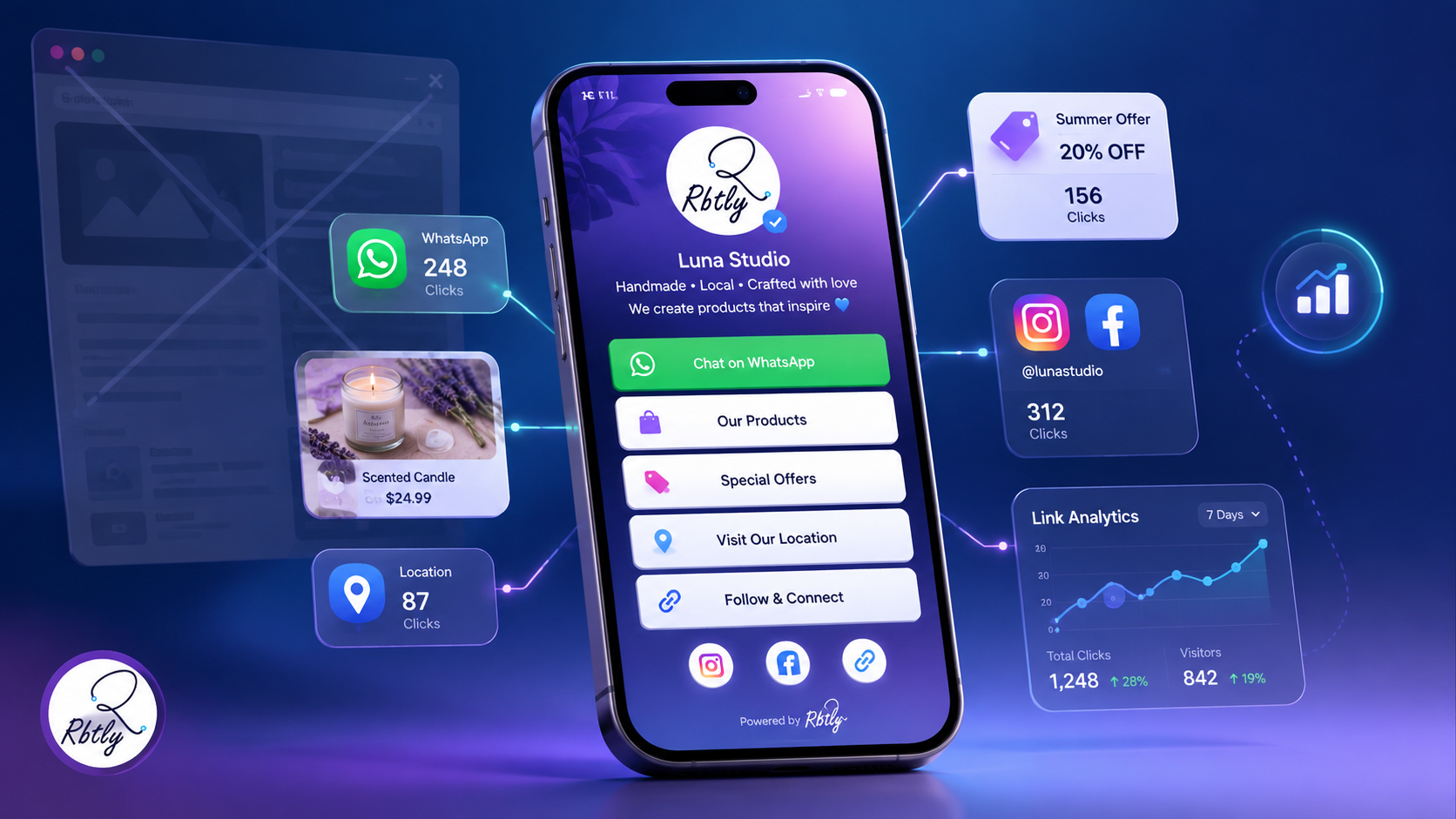
4. It Helps You Measure Audience Interest
A professional page should not only look good.
It should also be measurable.
You should be able to understand:
- How many people opened the page?
- Which button received the most clicks?
- Are people clicking WhatsApp?
- Does the product link get interest?
- Is the current offer working?
- Should you change the order of buttons?
This way, your page is not only a list of links. It becomes a source of data that helps you understand your audience.
If you want to understand the value of measurable links, read: What Is a Smart Link?.
What Should You Add to a Bio Page for Your Small Business?
1. Business Name and Short Description
The first part of the page should explain who you are and what you offer.
You do not need a long description.
Examples:
- A natural fragrance store offering original products with delivery across Egypt.
- A cafe serving specialty coffee and daily desserts in Cairo.
- A fitness coach offering online programs for women.
- A graphic designer specialized in brand identity and social media designs.
A short description helps visitors quickly understand whether this page is relevant to them.
2. Clear WhatsApp Button
In many markets, WhatsApp is one of the most important communication and sales channels.
That is why the WhatsApp button should be clear and easy to find.
Do not make customers search for a way to contact you.
Make the button direct, such as:
- Order now on WhatsApp.
- Book your appointment on WhatsApp.
- Ask about the product.
- Contact us.
3. Main Products or Services
Do not add everything randomly.
Choose the most important products or services you want customers to see first.
For example:
- Seasonal products.
- Current offers.
- Most requested services.
- Main packages.
- Catalog or menu link.
The goal is to help the customer find what matters quickly.
4. Current Offer or Main CTA
If you have a current offer, do not hide it at the bottom of the page.
Make it visible.
Examples:
- Weekend offer.
- First order discount.
- Free consultation.
- Trial booking.
- Registration for the next course.
A clear CTA helps your page become more than a link list. It gives the page a real purpose.
5. Social Media Links
Add only the social media links that matter.
Do not add every platform if you are not active there.
It is better to link to accounts that help customers trust you, follow you, or see your work.
Examples:
- Instagram.
- Facebook.
- TikTok.
- YouTube.
- LinkedIn, if it fits your service.
6. Location or Directions
If you have a shop, clinic, cafe, training center, office, or physical location, add the location link clearly.
Do not make customers ask for the address every time.
Adding the location inside your Bio Page makes the page more useful, especially for local businesses.
7. Customer Reviews or Work Samples
Trust matters.
If you have reviews, results, work samples, testimonials, or before-and-after examples, add a clear link to them.
This is especially useful for:
- Coaches.
- Designers.
- Consultants.
- Clinics.
- Educational services.
- Stores.
How to Structure a Bio Page That Converts
The order of links inside your page matters.
Do not arrange links randomly. Arrange them based on the customer journey.
Suggested structure:
- Business name and short description.
- Main CTA or current offer.
- WhatsApp or contact button.
- Main products or services.
- Location or booking method.
- Customer reviews or work samples.
- Social media links.
This structure shows the most important information first, then gives customers more details.
Do not make the page too long without a reason.
A good page helps customers make a decision. It does not make them get lost between too many links.
Bio Page Examples by Business Type
1. Bio Page for a Small Store
It can include:
- Business description.
- Current offers.
- Most requested products.
- WhatsApp button for orders.
- Location.
- Instagram and Facebook.
- Customer reviews.
2. Bio Page for a Cafe or Restaurant
It can include:
- Menu.
- Daily offers.
- Booking or ordering link.
- Location.
- Delivery links.
- Customer reviews.
- QR Code for menu or offers.
If you use a QR Code inside the location or on the menu, read: How to Track QR Code Scans.
3. Bio Page for a Coach or Trainer
It can include:
- Short coach bio.
- Available programs.
- Booking link.
- Payment link.
- Client results.
- WhatsApp for questions.
- Social media links.
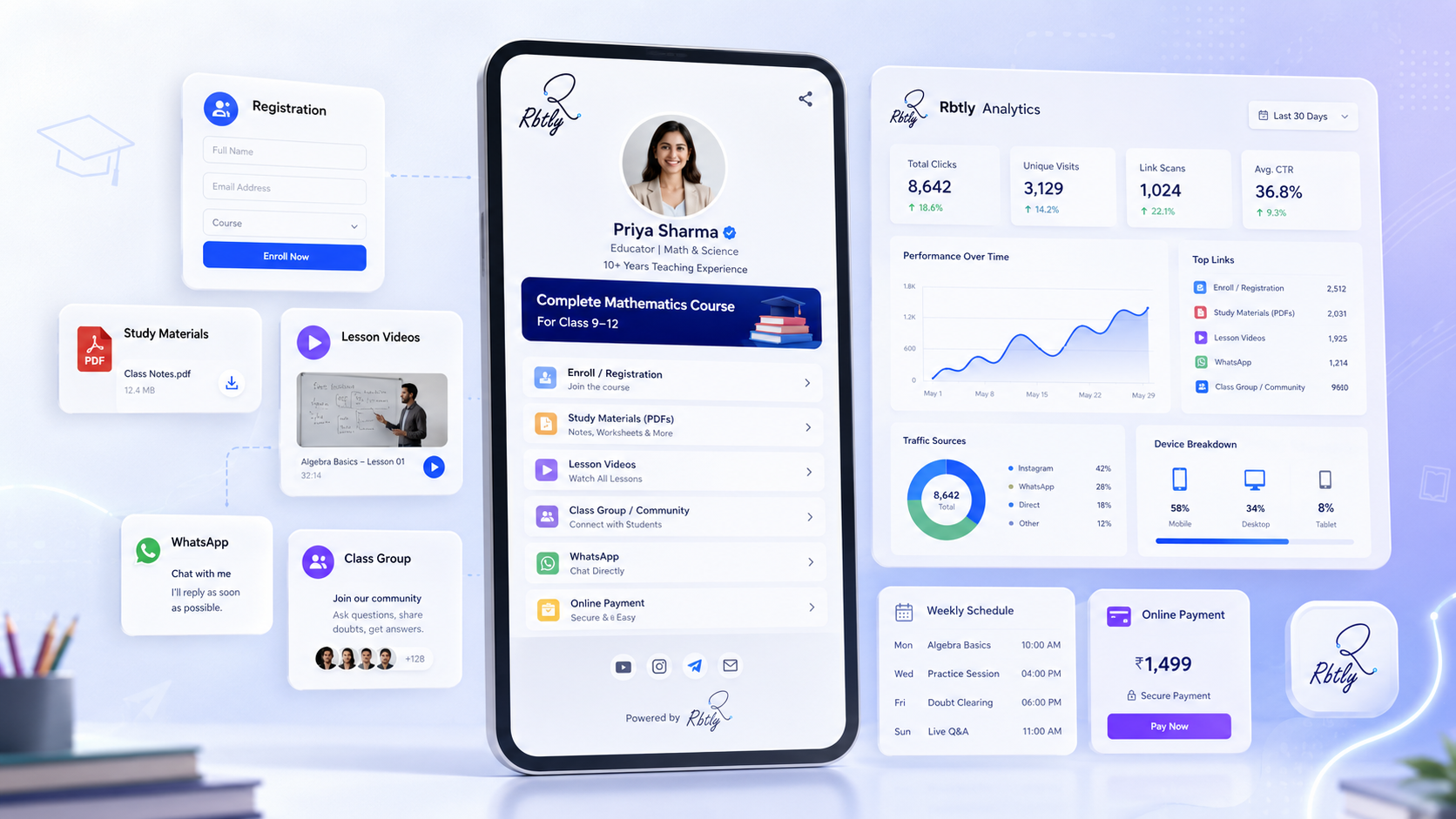
4. Bio Page for a Teacher or Course Provider
It can include:
- Course description.
- Class schedule.
- Registration link.
- Payment link.
- WhatsApp or Telegram group.
- PDF or video links.
- Contact link for support.
5. Bio Page for a Freelancer or Designer
It can include:
- Short introduction.
- Services.
- Portfolio.
- Client reviews.
- Request a quote link.
- WhatsApp or email.
- LinkedIn or Behance.
How to Use a QR Code with Your Bio Page
One of the best ways to use a Bio Page is to connect it with a QR Code.
Instead of placing many links on your business card, flyer, menu, or packaging, you can place one QR Code that opens the full page.
You can use it on:
- Business cards.
- Flyers.
- Menus.
- Packaging.
- Posters inside the location.
- Course or training handouts.
This way, anyone who scans the code reaches one page with all your important links.
To compare QR Code types, read: Static QR vs Dynamic QR Code: Differences, Use Cases, and Which One to Choose.
How Rbtly Helps You Create a Professional Bio Page
Rbtly helps you create an organized Bio Page for your business without needing a full website or a developer.
You can use Rbtly to:
- Create one page for your business links.
- Add a WhatsApp button.
- Add product or service links.
- Add social media links.
- Add your location.
- Create short trackable links.
- Connect your page with a QR Code.
- Track clicks to understand what people care about.
- Use the page in your bio, messages, flyers, and business cards.
The value is that Rbtly does not only help you put links in one place. It also helps you understand what your audience clicks.
If you want to know how to choose a URL shortener that helps with measurement, read: Best URL Shortener with Analytics.
Common Mistakes When Creating a Bio Page
1. Adding Too Many Links Without Structure
Do not make the page a long random list of links.
Organize it based on what customers need first.
2. Not Having a Clear CTA
The visitor should know the next step clearly.
Do you want them to order, book, view products, contact you, or register?
3. Hiding WhatsApp at the Bottom
If WhatsApp is your main sales or communication channel, make it visible.
4. Ignoring Analytics
If you do not review clicks, you will not know what your audience cares about.
The goal is not only to create a page. The goal is to learn from its performance.
5. Not Updating the Page
If your offers or products change, update the page.
An outdated page can create confusion or a weak impression.
Suggested Articles from Rbtly Blog
- Best Link in Bio Tool for Small Businesses
- Bio Page vs Website
- Best Linktree Alternative with QR Codes, Analytics, and Smart Links
- What Is a Smart Link?
- How to Track QR Code Scans
- Best URL Shortener with Analytics
Conclusion
Not every small business needs a full website from day one.
Sometimes, the better starting point is a simple and organized Bio Page that collects the most important links your customers need.
A professional Bio Page helps you:
- Organize your business links.
- Improve the customer experience.
- Show products or services clearly.
- Make WhatsApp communication easier.
- Share one link in your bio and messages.
- Connect the page with a QR Code.
- Track clicks and understand audience interest.
One organized link is better than five scattered links.
And a simple page, when structured well and made measurable, can become a strong starting point for your business online presence.
FAQ
What is a Bio Page?
A Bio Page is a simple page that collects your most important business links and information in one place, such as WhatsApp, products, offers, location, and social media links.
Can a Bio Page replace a full website?
It can be enough as a starting point for some small businesses, but it does not replace a full website in every case. A website is better if you need many pages, SEO, a full store, or advanced features.
What should I add to a Bio Page?
Add a short description, WhatsApp button, products or services, current offers, location, social media links, and customer reviews or work samples.
Is a Bio Page useful for small businesses?
Yes. It helps small businesses look more organized without building a full website, and collects the most important links in one easy-to-share page.
Can I connect a Bio Page with a QR Code?
Yes. You can connect your Bio Page with a QR Code and use it on business cards, flyers, menus, packaging, or inside your location so customers can reach all your links easily.
How does Rbtly help create a Bio Page?
Rbtly helps you create an organized Bio Page, add your important links, connect it with a QR Code, and track clicks to understand what your audience cares about.