How to Use QR Codes in Offline Marketing and Track Results
Offline marketing is still powerful.
Flyers, menus, business cards, posters, product packaging, signs, printed offers, and even a QR Code on a reception desk are still used every day by restaurants, shops, clinics, cafes, exhibitions, course providers, and events.
The problem is that most offline marketing materials are used without measurement.
You print a flyer, distribute it, and wait. But you do not really know:
- Did people open the link?
- How many people scanned the code?
- Which branch or location generated more engagement?
- Did the flyer work?
- Was the offer interesting enough?
- Did the QR Code actually bring visits or leads?
This is where a trackable QR Code becomes valuable.
Instead of treating a QR Code as just a printed design element, you can turn it into a real tracking point that connects offline marketing to online performance.
What Does QR Code Offline Marketing Mean?
QR Code offline marketing means placing a scannable code on a printed material or physical location so people can open a link, page, offer, menu, form, or contact destination.
For example:
- A QR Code on a flyer can open an offer page.
- A QR Code on a menu can open a digital menu.
- A QR Code on a business card can open a Bio Page.
- A QR Code on product packaging can open usage instructions or a discount page.
- A QR Code at an exhibition can open a registration page.
- A QR Code in a training center can open a course page.
- A QR Code in a clinic can open a booking page or location link.
The goal is not only to make it easier for people to open a link.
The bigger goal is to make every printed material or physical touchpoint measurable.
Why Are QR Codes Important in Offline Marketing?
Offline marketing is often difficult to measure.
When you publish a post on Facebook or Instagram, you can usually see engagement, reach, and clicks.
But when you print a flyer or menu, you may not know whether people actually interacted with it.
A QR Code solves a big part of this problem.
It turns offline attention into a measurable online action.
Instead of asking, “Did the flyer work?” you can start asking more useful questions:
- How many people scanned it?
- Which QR Code brought more visits?
- Which offer generated more interest?
- Did people open WhatsApp?
- Did people visit the product page?
- Is the menu actually being opened?
These insights help you make better marketing decisions.
If you want a deeper guide on scan tracking, read: How to Track QR Code Scans.
Where Can You Use QR Codes in Offline Marketing?
1. Flyers
Flyers are one of the most common offline marketing materials, but they are often not measurable.
You can place a QR Code on a flyer to open:
- An offer page.
- A product page.
- WhatsApp.
- A Bio Page.
- A catalog.
- A registration page.
- A discount page.
- A campaign Landing Page.
Example:
A clothing store prints a flyer for a seasonal sale. Instead of adding only a phone number, it adds a QR Code that opens a page containing:
- Offer details.
- Selected products.
- WhatsApp button.
- Location.
- Social media links.
Then the store can track how many people scanned the flyer.
2. Restaurant and Cafe Menus
Using a QR Code for menus has become common, but many restaurants still use it only as a replacement for a printed menu.
A better approach is to make the menu QR Code part of a measurable customer experience.
A menu QR can open a page that includes:
- The menu.
- Current offers.
- WhatsApp for booking or ordering.
- Location.
- Delivery links.
- Customer reviews.
- Today’s offers.
Instead of opening only a PDF menu, the QR can open an organized page that helps customers take action faster.
3. Business Cards
A business card does not need to contain every detail.
You can add a QR Code that opens a Bio Page containing:
- A short introduction.
- Your services.
- Your portfolio.
- WhatsApp.
- LinkedIn.
- Email.
- Work samples.
- Booking or contact options.
This is useful for designers, consultants, coaches, freelancers, and service providers.
If you are still comparing a simple page with a full website, read: Bio Page vs Website.
4. Product Packaging
If you sell physical products, you can use a QR Code on the packaging in a smart way.
For example, it can open:
- Usage instructions.
- A how-to video.
- Warranty information.
- A review page.
- A repeat-purchase offer.
- A catalog for other products.
- A discount coupon.
- WhatsApp support.
Packaging becomes more than a design element. It becomes a post-purchase communication channel.
5. Posters and Signs
You can place a QR Code on a poster inside a store, clinic, cafe, exhibition, or event.
The QR can open:
- A registration page.
- A special offer.
- An event schedule.
- A booking page.
- A location link.
- A reviews page.
- A menu.
- A contact form.
The benefit is simple: people do not need to type a long link or search for your account.
They scan the code and reach the next step directly.
6. Courses and Training Centers
If you run a course or training center, you can use a QR Code on a printed ad, banner, or handout.
The page can include:
- Course description.
- Start dates.
- Trainer details.
- Registration button.
- WhatsApp button.
- Payment link.
- Student group link.
- Important files or links.
Instead of sending many separate links to students or parents, everything can be organized in one page.
How to Turn a QR Code into a Measurable Campaign
1. Define the Goal Before Designing the QR Code
Before placing a QR Code on a flyer, menu, or card, ask yourself:
What do I want people to do after scanning?
Do you want them to:
- Open WhatsApp?
- View an offer?
- See the menu?
- Register for a course?
- Open the location?
- Download a file?
- Watch a video?
- Visit a product page?
The goal determines the page your QR Code should open.
Do not add a QR Code just because it looks modern. Add it because it leads users to a clear next step.
2. Use a Mobile-Friendly Page
Most people will open your QR Code from a mobile phone.
The page should be:
- Fast.
- Clear.
- Easy to read.
- Designed with large buttons.
- Mobile-friendly.
- Simple to navigate.
- Focused on one clear CTA.
If the page is not mobile-friendly, users may scan the code and leave immediately.
If your goal is to create one organized page for your business links, read: Best Link in Bio Tool for Small Businesses.
3. Give Every QR Code a Separate Purpose
If you have more than one printed material or physical location, do not use the same QR Code everywhere.
For example, create a separate QR for:
- The flyer.
- The menu.
- The business card.
- The poster.
- The packaging.
- Each branch or location.
Why?
If you use the same code everywhere, you will not know where the engagement came from.
But if you use a different QR Code for each channel or printed material, you can see which one performed better.
4. Add a Clear CTA Beside the QR Code
Do not place a QR Code alone without context.
Add a short message that tells people why they should scan it.
Examples:
- Scan to view the offer.
- Open the menu here.
- Scan to register.
- View new products.
- Book on WhatsApp.
- Get the discount.
- See course details.
- Open the location.
The CTA matters because it explains the reason behind the scan.
5. Review Results After Publishing
After publishing your flyer, menu, card, or poster, do not leave the campaign without follow-up.
Review:
- Total scans.
- Best-performing QR Code.
- Days or times with higher engagement.
- Whether people clicked WhatsApp.
- Whether the offer page received visits.
- Whether the campaign needs improvement.
- Whether you should change the QR placement or CTA text.
This analysis is what turns a QR Code into a real marketing tool.
Practical Examples of QR Code Offline Marketing
Example 1: A Cafe Wants to Measure Menus and Offers
Instead of using a QR Code that only opens a menu file, the cafe can create a page containing:
- The menu.
- Today’s offers.
- WhatsApp number.
- Location.
- Social links.
- Customer reviews.
Then the cafe can place the QR Code on tables or the counter.
After that, it can understand how many people scanned it and whether people opened the offers.
Example 2: A Print Shop Wants to Offer More Value
A print shop can offer an additional service to clients.
Instead of saying, “We can print a flyer with a QR Code,” it can say:
“We can print a flyer with a trackable QR Code, so after the campaign you can see how many people scanned it.”
This gives the print shop more value and makes the service different from basic printing.
Example 3: A Training Center Promotes a Course
Instead of a printed ad with only a phone number, the center can place a QR Code that opens the course page.
The page can include:
- Course name.
- Course details.
- Start dates.
- Registration method.
- WhatsApp button.
- Payment link.
- FAQ.
Then the center can understand how many interested people opened the page.
Example 4: A Designer or Agency Wants Better Client Reporting
Design matters, but clients also want to understand results.
If a designer or agency adds a trackable QR Code inside the design, they can provide a simple report after the campaign.
The report can show:
- Total scans.
- Total clicks.
- Best channel.
- Offer performance.
- Whether the design or message needs improvement.
This makes the service stronger and more professional.
Normal QR Code vs Trackable QR Code
A normal QR Code may open a link, but it does not give you enough information about performance.
A trackable QR Code helps you understand whether people interacted with it.
Element | Normal QR Code | Trackable QR Code |
|---|---|---|
Opens a link | Yes | Yes |
Tracks scans | Usually no | Yes |
Suitable for campaigns | Limited | Better |
Useful for reports | Usually no | Yes |
Shows engagement source | No | Depending on setup |
Helps improve campaigns | Limited | Yes |
Summary:
If your only goal is to open a link, a normal QR Code may be enough.
But if your goal is to measure results and improve campaigns, you need a trackable QR Code.
For a clearer comparison between QR types, read: Static QR vs Dynamic QR Code.
Important Note Before Printing a QR Code
Before printing any QR Code, test it carefully.
Make sure:
- It opens the correct page.
- The page works well on mobile.
- The link is correct.
- The design is clear.
- The QR Code size is suitable for printing.
- There is enough space around the code.
- The CTA beside the code is clear.
Important: if you use Dynamic QR inside Rbtly, make sure you approve the final version before printing. Editing the QR data or link may change the QR Code design, so after any update, you should use the new version in your updated designs or printed materials.
How Rbtly Helps with QR Code Offline Marketing
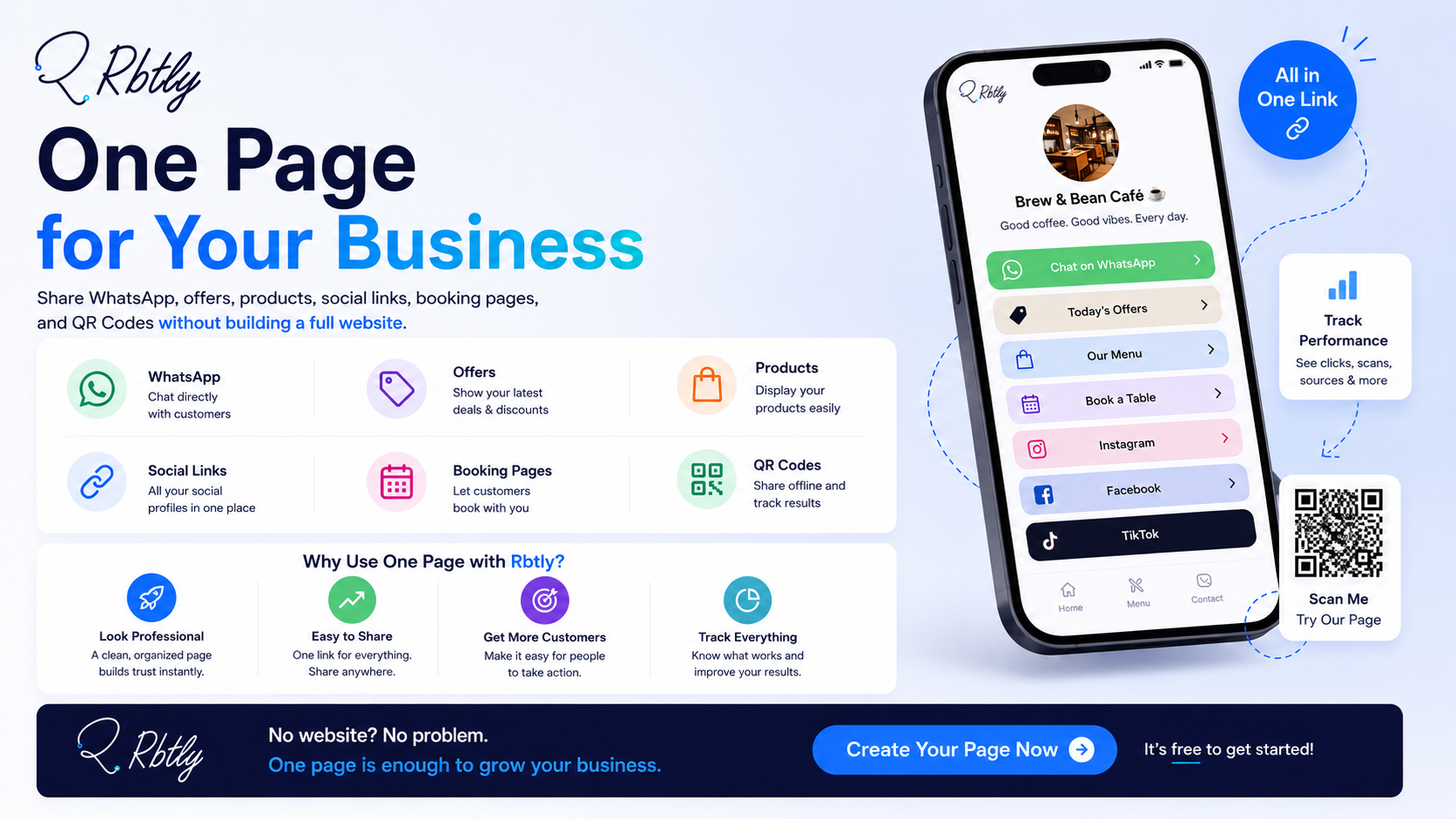
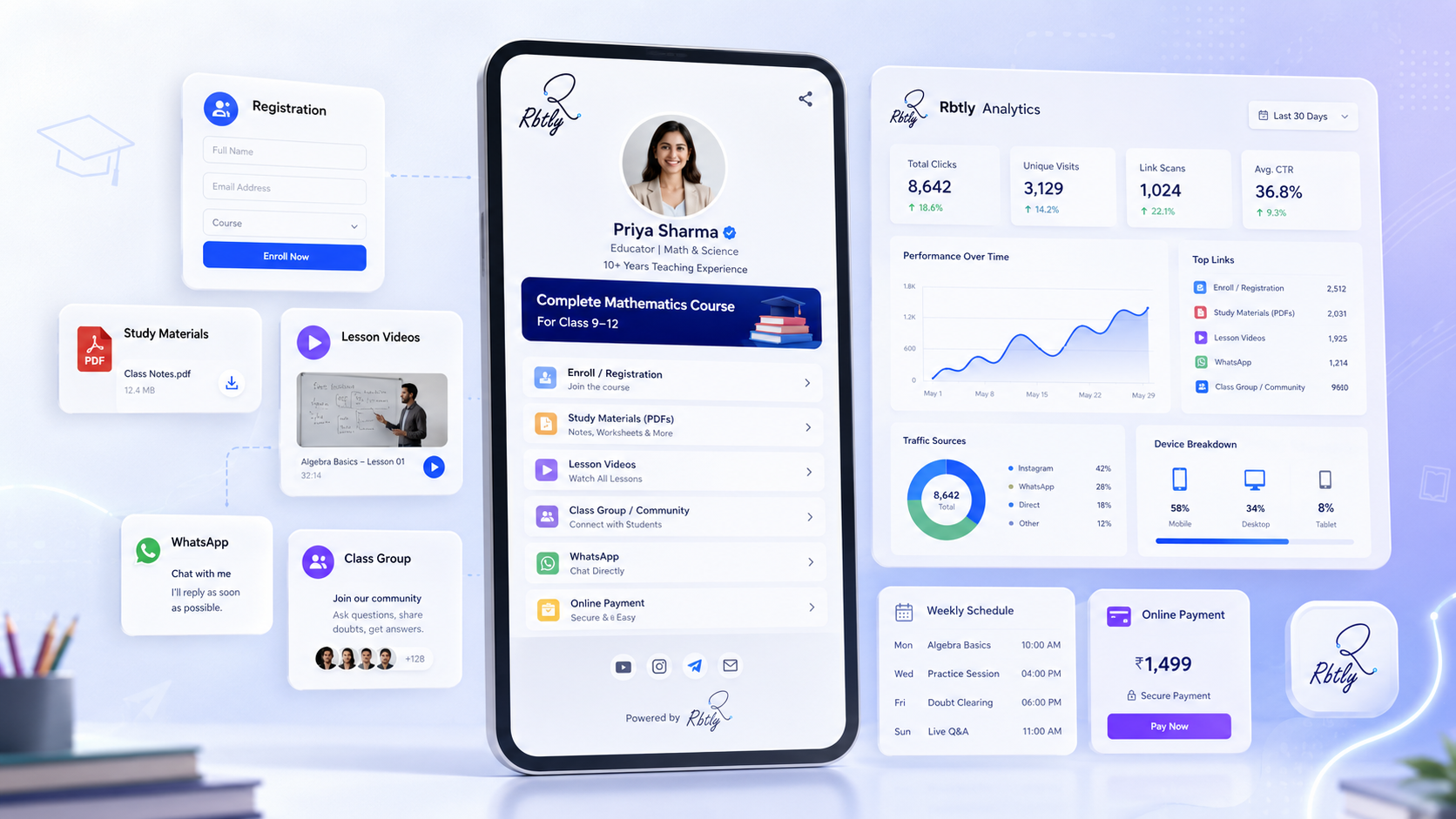
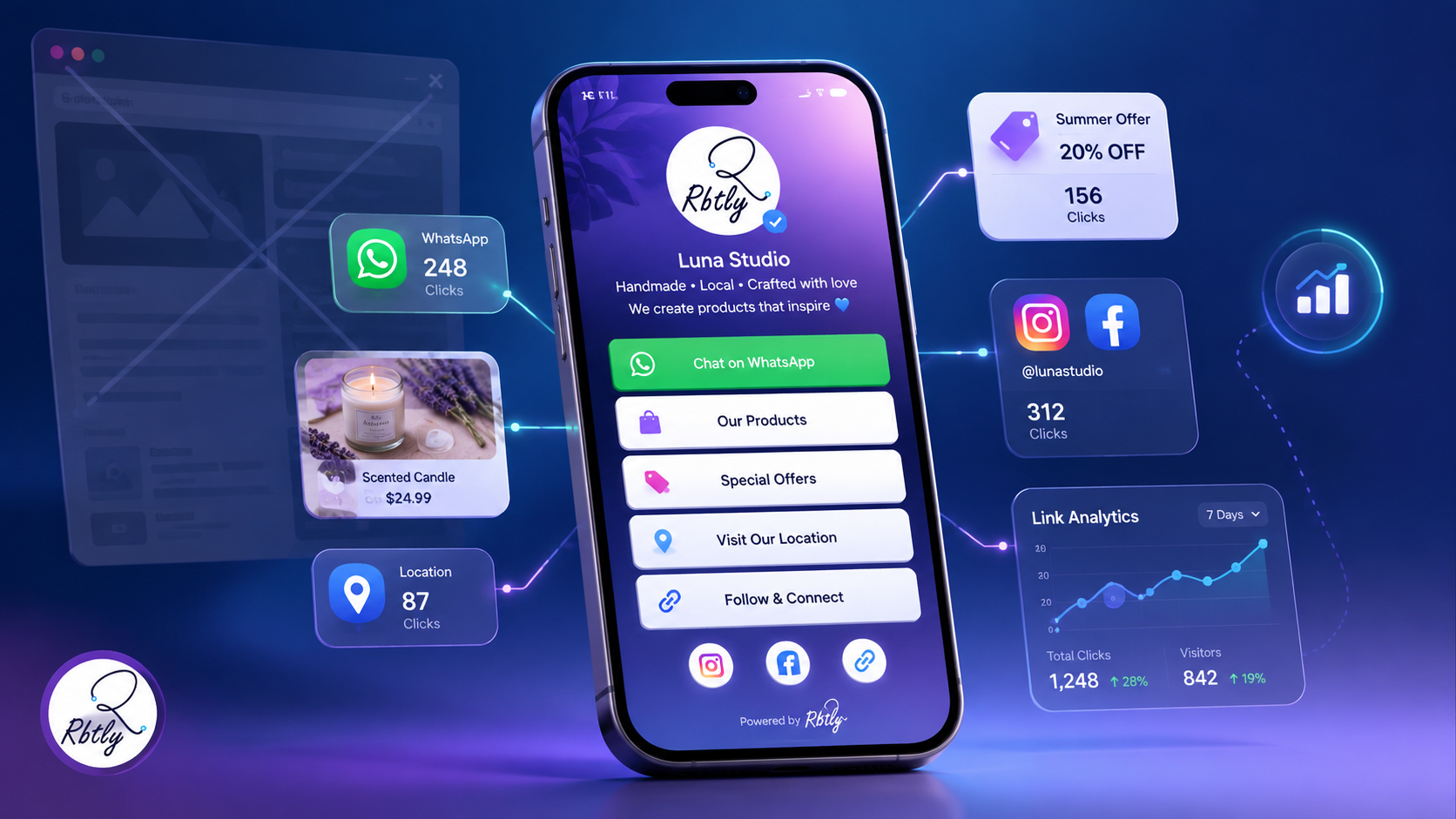
Rbtly helps you create trackable QR Codes, links, and pages, so your offline marketing is not just printed material without data.
You can use Rbtly to:
- Create a QR Code for a campaign or offer.
- Connect a QR Code to a Bio Page or Landing Page.
- Create short links for campaigns.
- Track clicks and scans.
- Understand performance across different channels.
- Use QR Codes on flyers, menus, cards, posters, and packaging.
- Organize links by campaign or channel.
- Create simpler reports for clients.
The value is that Rbtly does not only help you create a QR Code. It helps you understand what happens after the scan.
If you want to understand how a link can become a measurable marketing asset, read: What Is a Smart Link?.
If your main goal is to shorten links and track performance, read: Best URL Shortener with Analytics.
Best Places to Use QR Codes in Offline Marketing
If you do not know where to start, begin with simple touchpoints:
- On flyers.
- On menus.
- On business cards.
- On counters.
- On product packaging.
- On posters inside the location.
- On course or training handouts.
- On event or exhibition banners.
- On discount coupons.
- On printed ads.
Each of these places can turn from a design space into a measurable marketing channel.
Conclusion
Using a QR Code in offline marketing is not just about adding a modern-looking element to your design.
When used correctly, it can help you:
- Make it easier for customers to open your link.
- Connect printed materials to online actions.
- Measure scans.
- Understand flyer, menu, or card performance.
- Improve offers and campaigns.
- Create clearer reports for clients.
- Turn offline marketing into a measurable channel.
If you print flyers, menus, business cards, posters, or product packaging, do not make your QR Code just decoration.
Make it part of a measurable campaign.
Suggested Articles from Rbtly Blog
- How to Track QR Code Scans
- Static QR vs Dynamic QR Code
- What Is a Smart Link?
- Best Link in Bio Tool for Small Businesses
- Bio Page vs Website
- Best URL Shortener with Analytics
FAQ
What is QR Code offline marketing?
QR Code offline marketing is the use of a QR Code on physical materials such as flyers, menus, business cards, posters, and packaging to connect people to a measurable online page or link.
Can I track a QR Code after printing?
You can track a QR Code if it is connected to a system that provides analytics or tracking. That is why it is better to create a trackable QR setup before printing.
Where should I place a QR Code in an offline campaign?
You can place it on flyers, menus, business cards, posters, product packaging, counters, course handouts, or any physical touchpoint where customers can scan it easily.
What is the best CTA to place beside a QR Code?
The best CTA explains the value clearly, such as “Scan to view the offer,” “Open the menu,” “Book on WhatsApp,” or “Register for the course.”
Are QR Codes useful for restaurants and cafes?
Yes. Restaurants and cafes can use QR Codes for menus, offers, WhatsApp, location, ordering links, and customer engagement tracking.
Are QR Codes useful for flyers?
Yes. A QR Code can turn a flyer from a printed material into a measurable touchpoint, especially when it opens an offer page, WhatsApp, or a Landing Page.
Does Rbtly help track QR Codes?
Yes. Rbtly helps you create trackable QR Codes, links, and pages, so you can monitor performance instead of relying on guessing.