How to Change a QR Code Destination After Printing: 7 Smart Steps
How to Change a QR Code Destination After Printing is one of the most important questions for businesses that use QR Codes on flyers, menus, posters, business cards, packaging, or event materials.
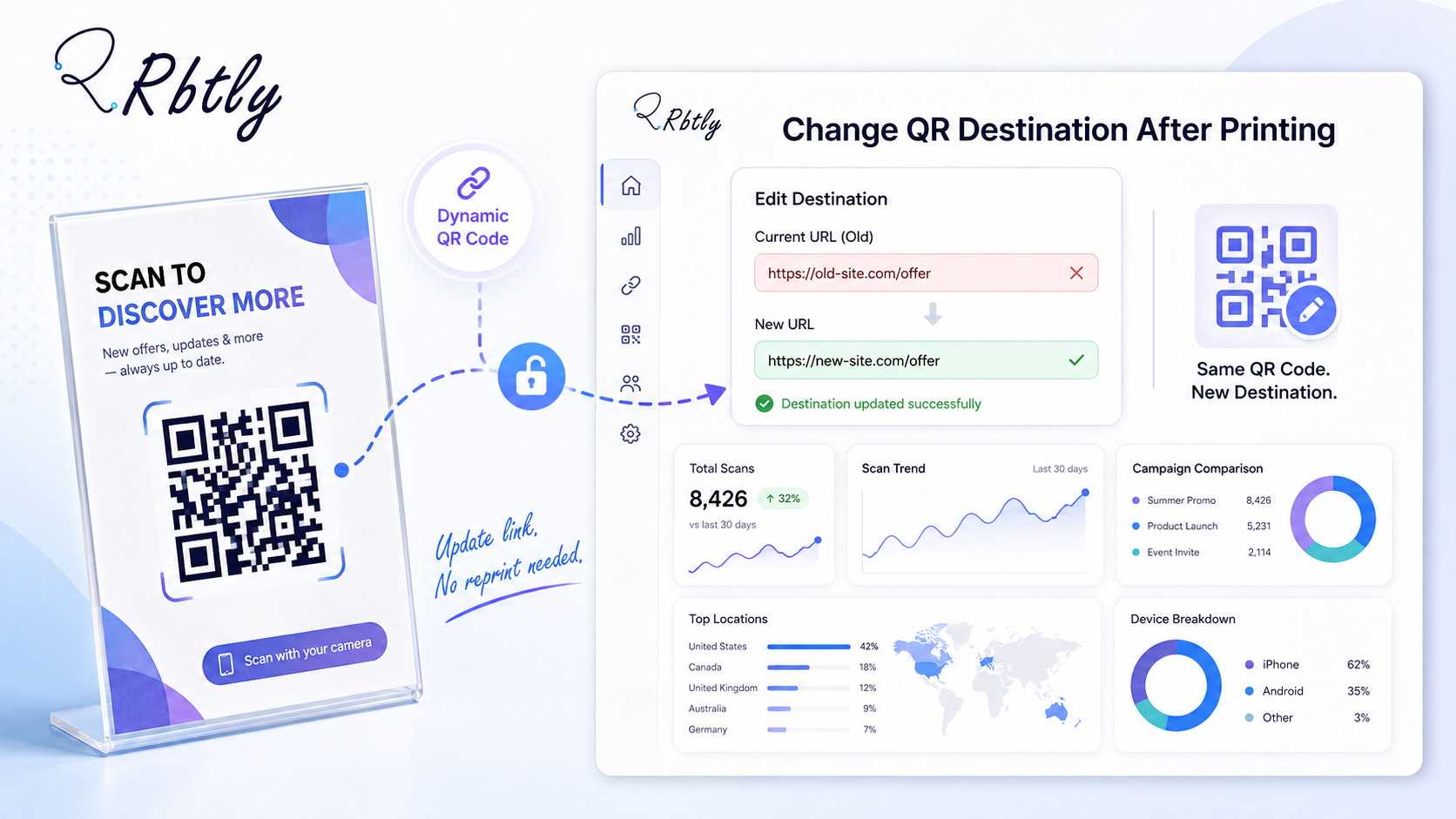
The short answer is simple: you can change a QR Code destination after printing if you use a Dynamic QR Code. With Rbtly Dynamic QR Codes, you can update the destination link later without changing the printed QR Code shape.
This means you do not need to reprint your flyer, menu, poster, or business card every time you want to change the link behind the QR Code.
Create a Dynamic QR Code with Rbtly and update your destination anytime
Table of Contents
- Can you change a QR Code destination after printing?
- Why Dynamic QR Codes matter after printing
- How to Change a QR Code Destination After Printing
- Static QR Codes vs Dynamic QR Codes
- Best use cases for changing QR Code destinations
- Common mistakes to avoid
- Why use Rbtly to update QR Code destinations?
- FAQ
Can you change a QR Code destination after printing?
Yes, you can change a QR Code destination after printing if the QR Code is dynamic.
A Dynamic QR Code works differently from a Static QR Code. Instead of permanently storing the final destination inside the QR Code itself, a Dynamic QR Code points to a managed link that can redirect users to different destinations over time.
That is why knowing how to change a QR Code destination after printing is so useful for marketing campaigns.
For example, you may print a QR Code on a restaurant menu today, then later update the destination to a new menu, a seasonal offer, a WhatsApp ordering link, or a landing page.
With Rbtly Dynamic QR Codes, the printed QR Code shape stays the same, while the destination behind it can be updated from your Rbtly account.
Why Dynamic QR Codes matter after printing
Printing marketing materials can be expensive and time-consuming.
If you use a Static QR Code and the destination link changes, you may need to create a new QR Code and reprint your materials. This can be a problem for flyers, posters, table cards, packaging, business cards, and event materials.
A Dynamic QR Code gives you more control.
It allows you to update the destination link without replacing the printed QR Code. This is especially helpful when your campaigns change often.
Dynamic QR Codes are useful when you want to:
- Update a restaurant menu.
- Change a limited-time offer.
- Fix a broken or outdated link.
- Redirect users to a new landing page.
- Change a WhatsApp contact link.
- Send users to a new campaign page.
- Track QR Code scans and clicks.
This is why businesses should think about flexibility before printing any QR Code.
How to Change a QR Code Destination After Printing
Here is how to change a QR Code destination after printing using a Dynamic QR Code approach.
1. Make sure your QR Code is dynamic
The first step is to check whether your QR Code is static or dynamic.
If the QR Code is static, the destination is usually fixed. In that case, changing the destination may require creating a new QR Code and reprinting your materials.
If the QR Code is dynamic, you can edit the destination from the platform where you created it.
With Rbtly, Dynamic QR Codes are designed to help you update the destination later without changing the printed QR Code shape.
2. Log in to your QR Code platform
To change the destination, log in to the account where you created the Dynamic QR Code.
If you created your QR Code in Rbtly, go to your dashboard and find the QR Code or link you want to edit.
This gives you control over the destination without touching the printed material.
3. Choose the QR Code you want to update
Next, select the QR Code campaign you want to update.
It is better to name your QR Codes clearly from the beginning. For example:
- Restaurant Menu Table Cards
- August Flyer Campaign
- Event Poster QR Code
- Product Packaging QR Code
- Business Card Bio Page QR Code
Clear naming makes it easier to manage multiple QR Codes and avoid editing the wrong one.
4. Replace the old destination with the new one
After choosing the QR Code, replace the old destination URL with the new destination.
The new destination could be a landing page, Bio Page, WhatsApp link, menu page, product page, form, payment page, or campaign offer.
This is the key benefit of learning how to change a QR Code destination after printing: you can keep your printed QR Code while changing what users see after scanning.
5. Save the changes
After adding the new destination, save the changes.
Once saved, future scans should redirect users to the updated destination.
The printed QR Code does not need to change. The destination behind it has changed, not the visible QR Code shape.
6. Test the printed QR Code
Always test the printed QR Code after updating the destination.
Use more than one device if possible. Test with different phones and browsers to make sure the QR Code opens the correct destination.
Also check that the destination page is mobile-friendly, loads quickly, and has a clear CTA.
This step is important because most QR Code scans happen on mobile devices.
7. Track scans and performance
After updating the QR Code destination, keep tracking performance.
A Dynamic QR Code is more powerful when it also gives you analytics.
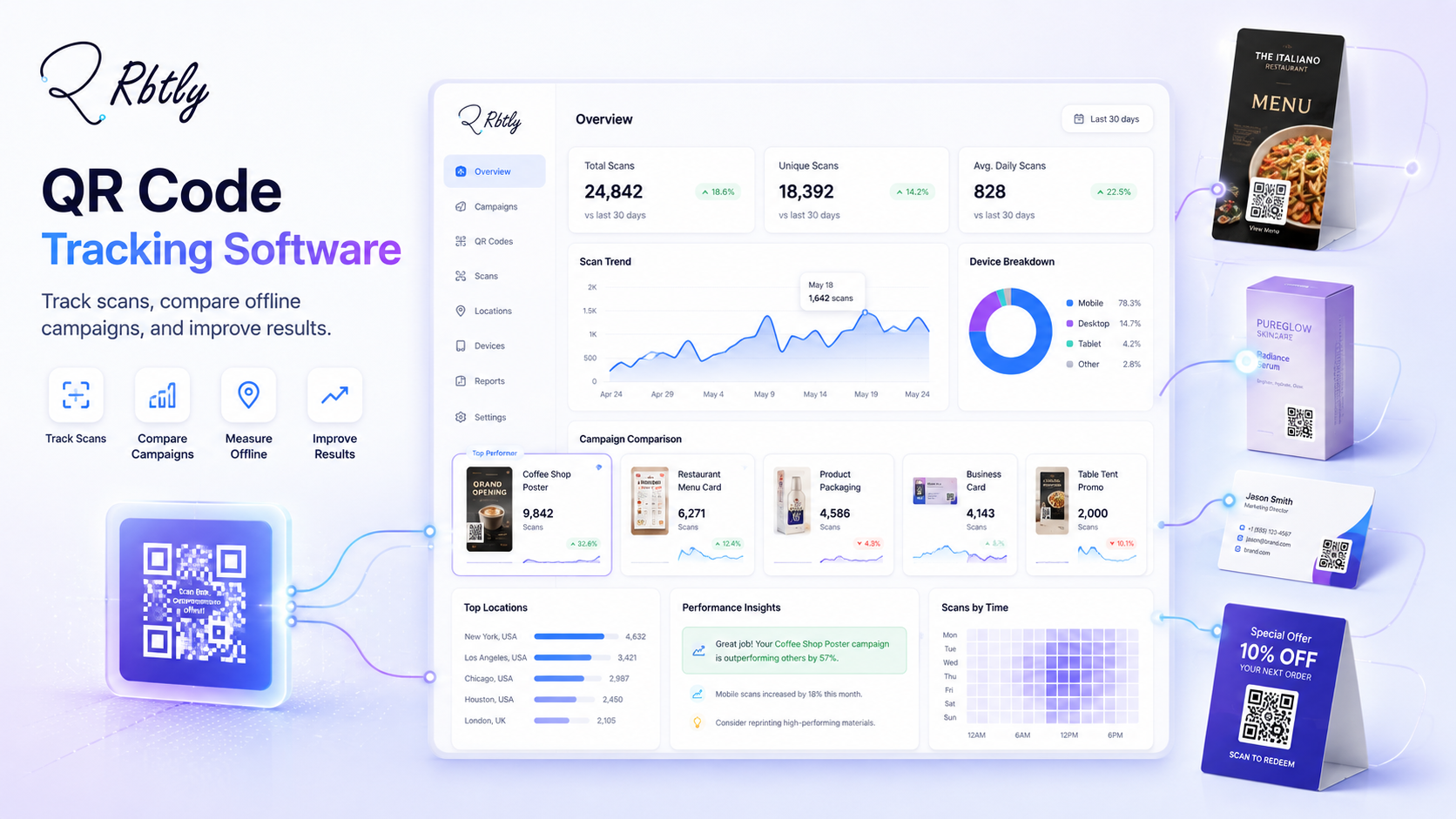
With Rbtly, you can use QR Code tracking to understand scans and clicks, compare campaigns, and make better marketing decisions.
You can also read: How to Track QR Code Scans.
Static QR Codes vs Dynamic QR Codes
Before you print any QR Code, it is important to understand the difference between static and dynamic QR Codes.
Feature | Static QR Code | Dynamic QR Code |
|---|---|---|
Change destination after printing | No | Yes |
Keep the same printed QR Code shape | No, usually you need a new code | Yes |
Track scans | Limited or not available | Yes, depending on the platform |
Best for marketing campaigns | Not always | Yes |
Best for menus, flyers, and offers | Risky if links change | Better and more flexible |
A Static QR Code may be enough if the destination will never change.
But if you want to update links, track scans, or improve campaigns after printing, a Dynamic QR Code is the smarter option.
You can learn more here: Static QR vs Dynamic QR Code.
Best use cases for changing QR Code destinations
Knowing how to change a QR Code destination after printing is useful for many real marketing situations.
Restaurant menus
Restaurants and cafes often need to update menu items, prices, offers, or delivery links.
With a Dynamic QR Code, the restaurant can update the menu destination without reprinting table cards or posters.
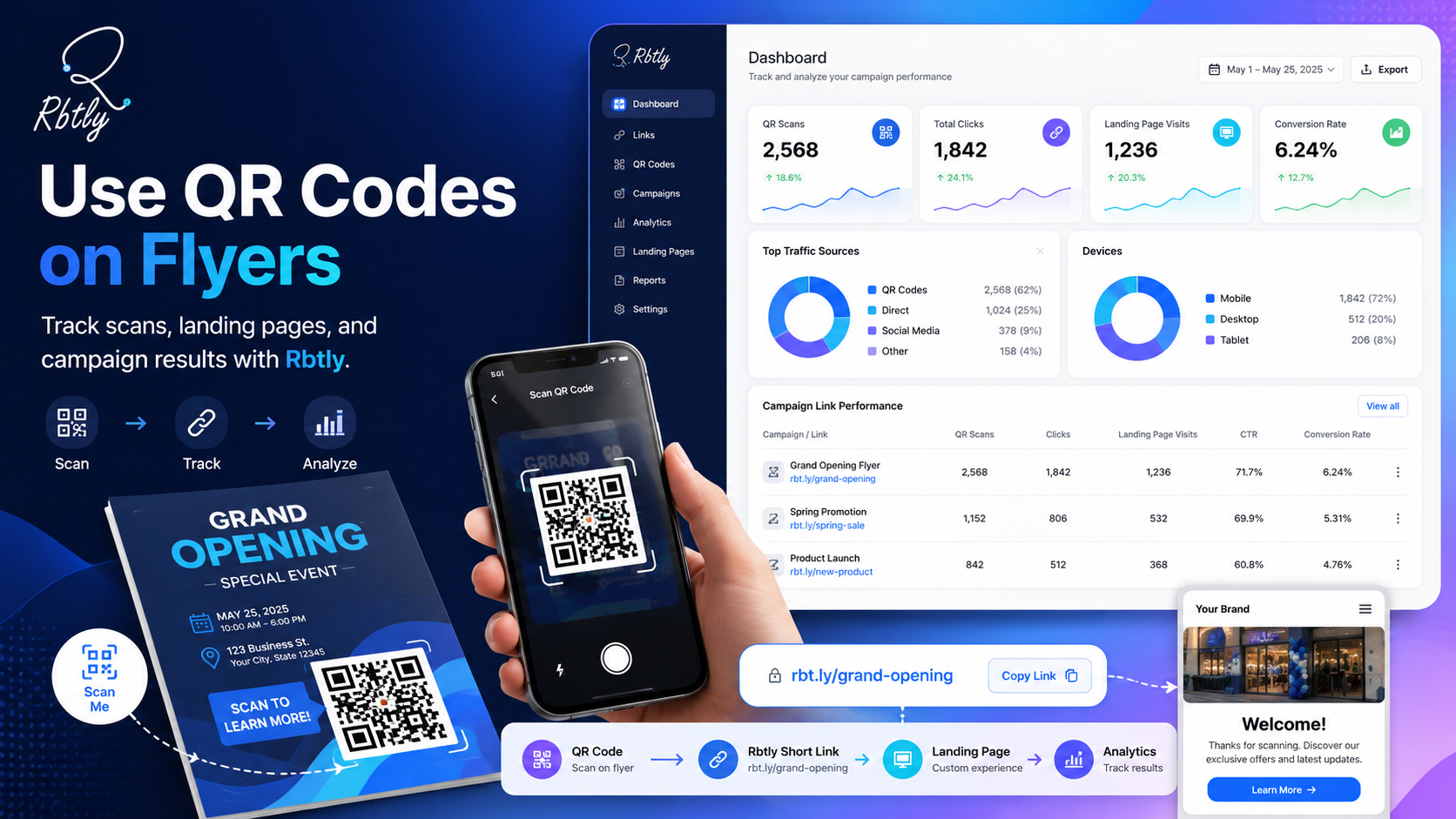
Flyers and posters
Flyers and posters are often used for short campaigns.
If the offer changes, you can update the destination instead of printing everything again.
Business cards
A business card QR Code can point to a Bio Page, portfolio, booking page, or contact page.
If your portfolio or contact page changes, a Dynamic QR Code helps keep the printed card useful.
Product packaging
QR Codes on packaging can lead to instructions, support pages, videos, warranty forms, or offers.
If the content changes, the QR Code destination can be updated without changing the package design.
Events and conferences
Events change quickly.
A QR Code on a poster, badge, or brochure can later point to an updated schedule, map, feedback form, sponsor page, or registration page.
Course creators and educators
Teachers and course creators can use QR Codes for registration pages, lesson materials, WhatsApp groups, payment links, or Bio Pages.
If the course links change, the printed QR Code can still remain useful.
Common mistakes to avoid
Even if you know how to change a QR Code destination after printing, there are still some mistakes to avoid.
Using a Static QR Code for a changing campaign
If your destination may change later, do not use a Static QR Code.
Use a Dynamic QR Code from the beginning to avoid reprinting costs.
Not testing after updating
Always scan the printed QR Code after changing the destination.
This helps you make sure users are going to the correct page.
Sending users to a weak mobile page
A QR Code experience depends on the destination page.
If the page is slow, confusing, or not mobile-friendly, users may leave quickly.
Not tracking performance
Changing a QR Code destination is useful, but tracking performance makes it more powerful.
Track scans and clicks so you can understand what works.
Using one QR Code for every campaign
If you use the same QR Code everywhere, it becomes harder to compare performance.
For better campaign reporting, create separate Dynamic QR Codes for different campaigns, locations, or materials.
Why use Rbtly to update QR Code destinations?
Rbtly helps you create Dynamic QR Codes, update destinations, and track campaign performance.
If you are looking for a practical way to manage QR Codes, Rbtly gives you more than a simple QR Code image.
With Rbtly, you can:
- Create Dynamic QR Codes.
- Update the QR Code destination later.
- Keep the same printed QR Code shape.
- Track QR Code scans.
- Connect QR Codes with short links.
- Use QR Codes with Bio Pages.
- Compare campaign performance.
- Improve marketing decisions using analytics.
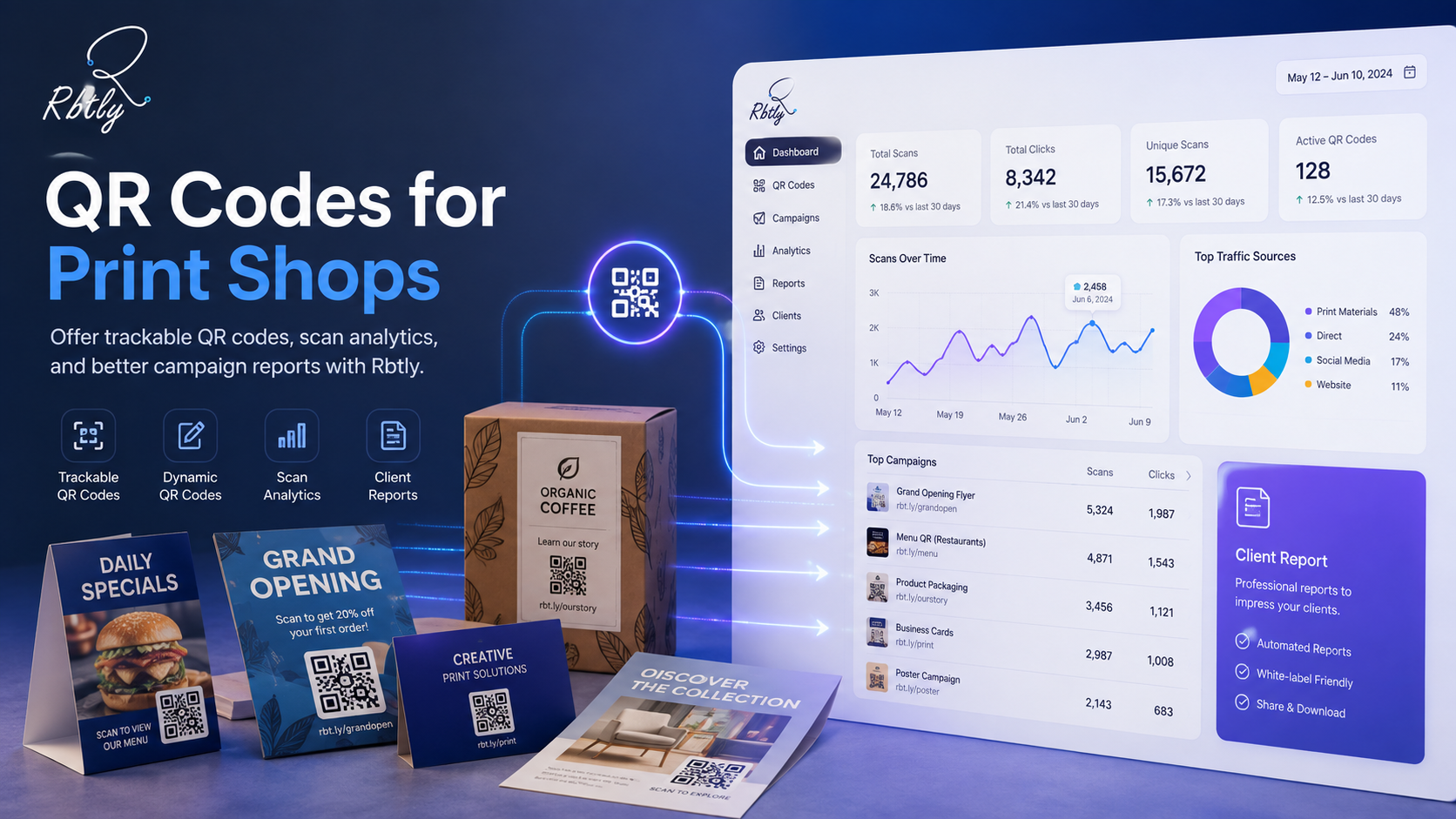
This makes Rbtly useful for restaurants, agencies, print shops, course creators, small businesses, events, and marketers.
Explore the QR Code feature here: Rbtly QR Codes.
If you want to create helpful campaign pages for users, you can also review guidance from Google Search Central.
How to Change a QR Code Destination After Printing checklist
Use this checklist before and after printing your QR Code.
- Use a Dynamic QR Code, not a Static QR Code.
- Name your QR Code campaign clearly.
- Choose a mobile-friendly destination page.
- Test the QR Code before printing.
- Save the campaign inside your QR Code platform.
- Update the destination when needed.
- Test the printed QR Code after updating.
- Track scans and clicks.
- Compare performance across campaigns.
This simple checklist helps you avoid reprinting problems and makes your QR Code campaigns easier to manage.
Final thoughts
Learning how to change a QR Code destination after printing can save time, money, and effort.
If you use QR Codes in marketing, printing, restaurants, events, education, or product packaging, you should think about flexibility before printing.
A Dynamic QR Code gives you that flexibility. It lets you update the destination later while keeping the same printed QR Code shape.
With Rbtly, you can create Dynamic QR Codes, update destinations, track scans, and connect QR Codes with your wider link management and analytics system.
Create your Dynamic QR Code with Rbtly
FAQ
How to Change a QR Code Destination After Printing?
You can change a QR Code destination after printing if you use a Dynamic QR Code. Log in to your QR Code platform, select the QR Code, update the destination link, save the changes, and test the printed QR Code.
Can I change a QR Code link after it has been printed?
Yes, if the QR Code is dynamic. With Rbtly Dynamic QR Codes, you can update the destination link later without changing the printed QR Code shape.
Can I change the destination of a Static QR Code?
Usually no. A Static QR Code normally has a fixed destination. If the link changes, you may need to create a new QR Code and reprint the material.
Will the QR Code shape change if I update the destination in Rbtly?
No. With Rbtly Dynamic QR Codes, you can update the destination link later while keeping the same printed QR Code shape.
Why should I use a Dynamic QR Code for printed materials?
A Dynamic QR Code is better for printed materials because it allows you to update the destination later, track scans, and avoid reprinting when the campaign changes.
What can I change the QR Code destination to?
You can change the destination to a landing page, Bio Page, WhatsApp link, menu, product page, form, payment page, event page, or campaign offer.
Should I test the QR Code after changing the destination?
Yes. Always test the printed QR Code after updating the destination to make sure it opens the correct page on mobile devices.
Does Rbtly support QR Code tracking?
Yes. Rbtly helps you create Dynamic QR Codes, update destinations, and track QR Code scans and link clicks.