Common QR Code Marketing Mistakes and How to Avoid Them
Using QR Codes in marketing campaigns has become very common, especially on flyers, menus, posters, business cards, packaging, events, and offline materials.
The idea is simple: a customer scans the code with a phone, then opens a page, menu, WhatsApp chat, offer, product link, or registration form.
But even though QR Codes are easy to use, many campaigns do not get the best results from them.
Sometimes the code is there, but people do not know why they should scan it. Sometimes the page is slow. Sometimes there is no clear CTA. And sometimes the QR Code is printed without any scan tracking at all.
In this article, we will go through the most common QR Code marketing mistakes and how to avoid them, so your QR Code becomes more than a printed square. It becomes a measurable marketing touchpoint.
Why Do Some QR Code Campaigns Fail?
The QR Code itself is usually not the problem.
The problem is often how the QR Code is used inside the campaign.
Many businesses place a QR Code on a design because it looks modern, but they do not think enough about what happens after someone scans it.
The real question is not: “Did we add a QR Code?”
The real question is: “What happens after the customer scans it?”
Does the page load fast? Is the offer clear? Is there a reason to scan? Is the page mobile-friendly? Can you measure the scans? Do you know which flyer, branch, poster, or campaign created the most interest?
If these questions are not clear, the QR Code may become only a visual element in the design, not a useful marketing tool.
Mistake 1: Placing a QR Code Without a Clear CTA
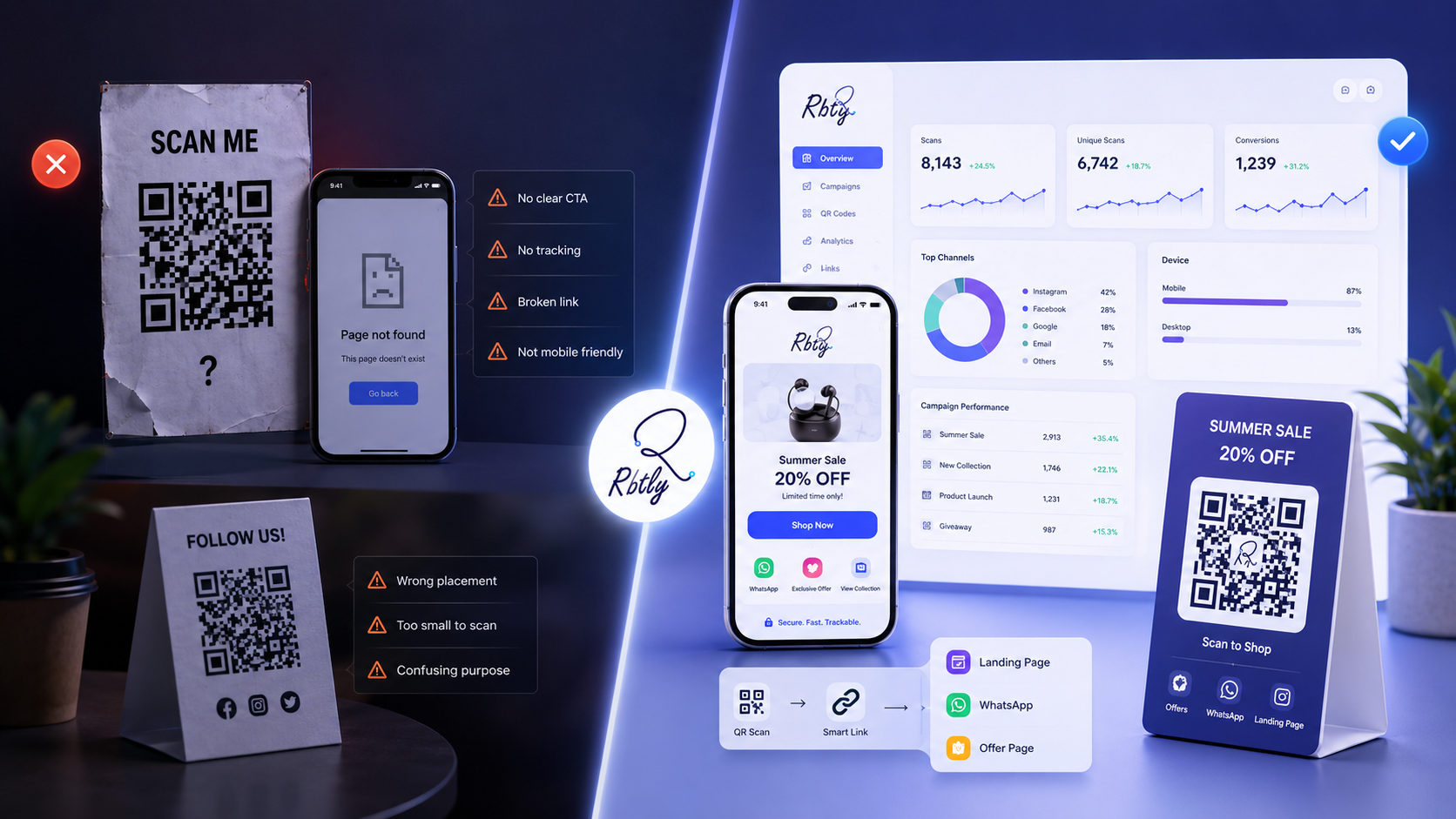
One of the most common mistakes is placing a QR Code on a design without explaining why people should scan it.
Customers should not have to guess.
Do not place the code alone. Add a clear CTA beside it, such as:
- Scan to open the menu.
- Scan to get the offer.
- Scan to register.
- Open WhatsApp directly.
- View product details.
- Book your appointment.
The clearer the reason to scan, the more likely people are to interact with the code.
Mistake 2: Linking the QR Code to a Non-Mobile-Friendly Page
Most people scan QR Codes using a mobile phone.
If the QR Code opens a page that is not mobile-friendly, slow to load, hard to read, or difficult to use, the experience becomes weak.
Before publishing or printing a QR Code, make sure the destination page:
- Loads quickly.
- Works well on mobile screens.
- Has clear buttons.
- Does not require too many steps.
- Tells the customer what to do next.
If your goal is to collect several links in one simple page, you can use a Bio Page instead of sending people to a crowded or unclear page.
Also read: How to Create a Professional Bio Page for Your Small Business Without a Full Website.
Mistake 3: Using One QR Code for Every Campaign
Using the same QR Code everywhere makes measurement difficult.
For example, if you use the same code on:
- A flyer.
- A poster.
- A business card.
- Packaging.
- Different branches.
- An event booth.
Then you get 500 scans, you may not know exactly where those scans came from.
Was the flyer the strongest source? Did the poster work? Did packaging create engagement? Did one branch perform better than another?
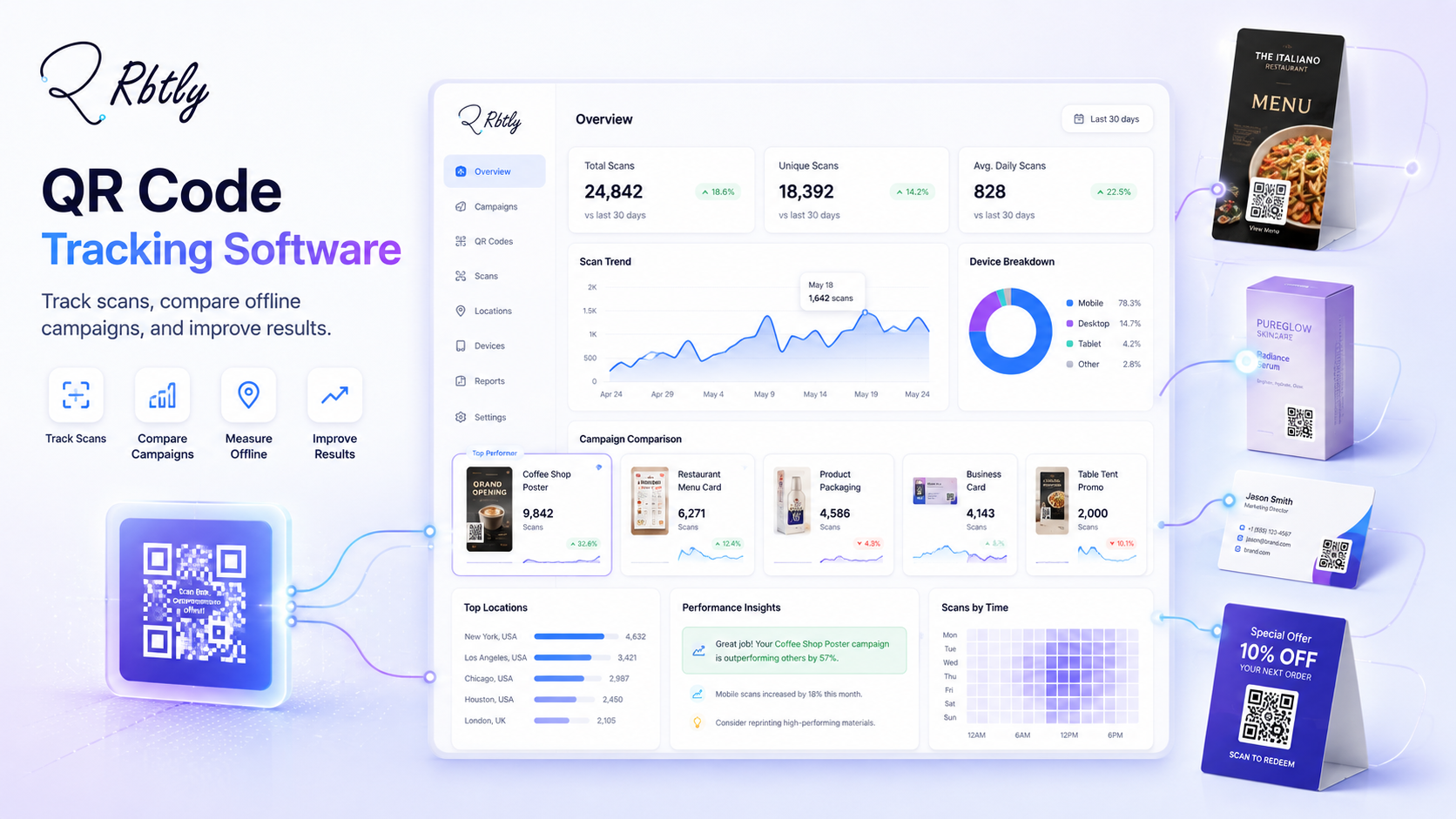
It is better to create a separate QR Code for each campaign, placement, branch, or printed material, so you can compare performance clearly.
If you want to understand how to use QR Codes in offline campaigns, read: How to Use QR Codes in Offline Marketing and Track Results.
Mistake 4: Not Tracking QR Code Scans
A QR Code without tracking tells you that the code exists, but it does not tell you whether people actually used it.
It is important to track:
- Number of scans.
- Clicks after the page opens.
- Performance by campaign or source.
- Performance by branch or placement.
- Whether people click WhatsApp, registration, offers, or other CTAs.
This turns the QR Code into part of your campaign analysis, not just a printed element.
To learn more about scan tracking, read: How to Track QR Code Scans.
Mistake 5: Printing the QR Code Before Testing It
This is a simple mistake, but it can be very costly.
Some businesses print a QR Code on large quantities of flyers, cards, packaging, or menus, then discover that the link does not work, the wrong page opens, or the code is hard to scan.
Before printing, test the QR Code using more than one phone and in different lighting conditions.
Make sure:
- The code is easy to scan.
- The link opens the correct page.
- The page works well on mobile.
- The QR Code size is suitable for printing.
- There is enough white space around the code.
- The CTA beside the code is clear.
Do not treat a QR Code as ready for print until you test it in real conditions.
Mistake 6: Making the QR Code Too Small
Sometimes the design looks good, but the QR Code is too small or placed where people cannot scan it easily.
The size of the code should match the distance from which the customer will scan it.
A QR Code on a small card is different from a QR Code on a large poster or event banner.
The longer the scanning distance, the larger the QR Code needs to be.
Also avoid placing the code:
- Too close to the edge of the design.
- On a busy background.
- On a folded or curved area.
- With low color contrast.
- Without enough quiet space around it.
Mistake 7: Using Colors or Design Effects That Make the Code Hard to Scan
Some designers try to make the QR Code match the brand identity, and that can be useful, but it should never reduce scan readability.
The code must remain clear enough for phone cameras to read quickly.
Avoid:
- Low-contrast colors.
- Busy backgrounds behind the code.
- Heavy modifications to the QR pattern.
- Design elements covering important parts of the code.
- Low-quality or blurry QR Code images.
The design can be attractive, but the QR Code itself must stay readable and scannable.
Mistake 8: Sending Customers to a Very General Page
If the QR Code is part of a specific campaign, do not make it open only the homepage.
It is better to send customers to a page that matches the reason they scanned the code.
For example:
QR Code Placement | Better Destination |
|---|---|
Restaurant menu | Menu page or current offers |
Course flyer | Registration page or course details |
Product card | Product page or WhatsApp inquiry |
Event poster | Offer page or contact form |
Product packaging | Review page or next-order offer |
The more relevant the destination is to the scanning moment, the higher the chance of interaction.
If you use QR Codes for menus, read: QR Code Menu for Restaurants and Cafes: How to Use It Smartly.
Mistake 9: Not Using QR Codes with WhatsApp When It Fits the Campaign
In many campaigns, the goal is not only to open a page. The goal is to start a conversation.
A QR Code can open a WhatsApp link, which is useful for:
- Product campaigns.
- Restaurant or clinic bookings.
- Course registrations.
- Service inquiries.
- Limited-time offers.
It is also better not to use the same WhatsApp link everywhere. Use a trackable WhatsApp link for each campaign or source, so you can understand where messages come from.
Read: Smart WhatsApp Links: How to Track Where Your Messages and Leads Come From.
Mistake 10: Forgetting to Update the Destination After an Offer Ends
Sometimes a QR Code opens an old offer, an unavailable product, an outdated menu, or an expired registration page.
This can reduce trust and create a poor customer experience.
That is why you should review the pages connected to your QR Codes regularly.
Make sure:
- Offers are still available.
- Prices are correct.
- WhatsApp links work.
- Menus or catalogs are updated.
- Registration pages are still valid.
With Rbtly Dynamic QR Codes, you can update the destination link later without changing the printed QR Code shape. This means you can print the QR Code once, then update the destination from inside Rbtly when the offer, menu, campaign, or page changes.
How to Avoid QR Code Mistakes in Your Campaigns
Before publishing or printing any QR Code, use this quick checklist:
- Is there a clear CTA beside the code?
- Is the QR Code large enough?
- Has it been tested on more than one phone?
- Is the page mobile-friendly?
- Does the page match the campaign context?
- Can you track scans and clicks?
- Are you using separate codes for different campaigns or placements?
- Is the destination page updated?
- Is there a WhatsApp button or clear CTA after the page opens?
These simple checks can help you avoid most QR Code problems before they happen.
How Rbtly Helps You Use QR Codes Better
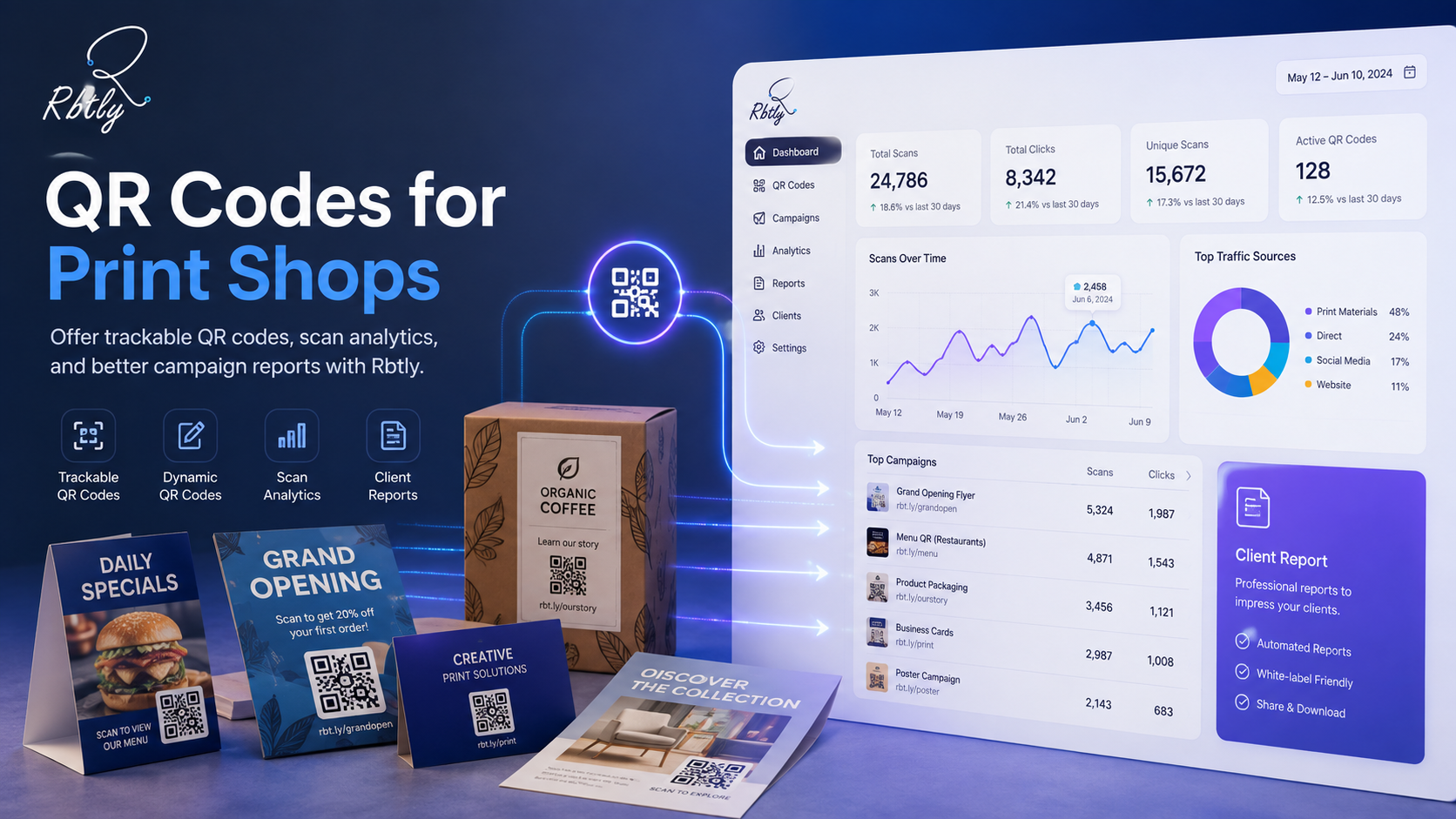
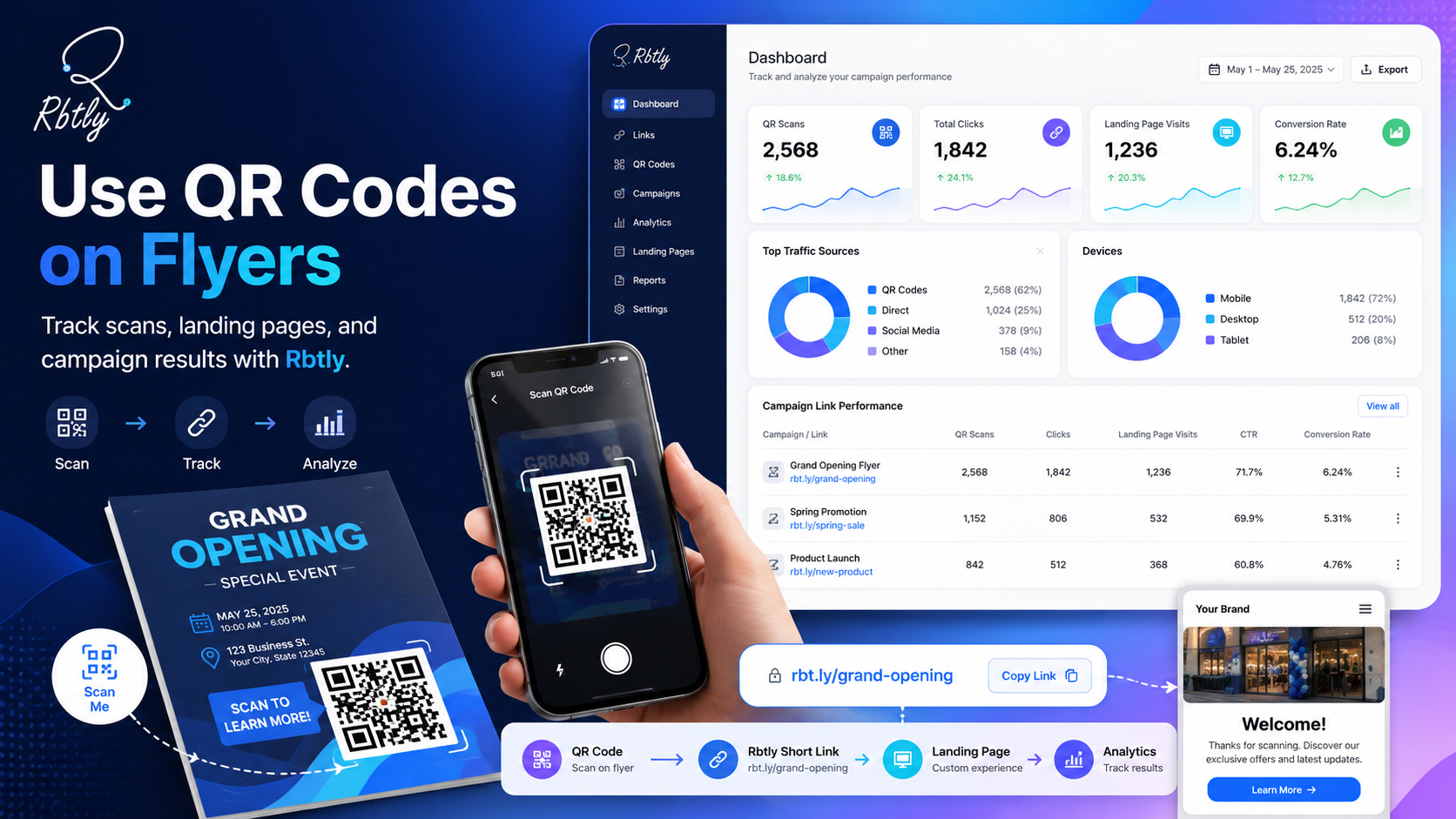
Rbtly helps you create QR Codes, links, and pages that can be tracked, so your QR Code becomes part of campaign measurement, not just a printed element.
You can use Rbtly to:
- Create a QR Code for each campaign or branch.
- Track QR Code scans.
- Track clicks after the page opens.
- Connect a QR Code with a Bio Page.
- Connect a QR Code with WhatsApp or a registration page.
- Update Dynamic QR Code destinations without changing the printed QR Code shape.
- Organize links by campaign or client.
- Compare online and offline campaign performance.
- Create clearer reports for your team or clients.
If you want to compare QR Code types, read: Static QR vs Dynamic QR Code: Differences, Use Cases, and Which One to Choose.
Suggested Articles from Rbtly Blog
- How to Track QR Code Scans
- How to Use QR Codes in Offline Marketing and Track Results
- Static QR vs Dynamic QR Code: Differences, Use Cases, and Which One to Choose
- QR Code Menu for Restaurants and Cafes: How to Use It Smartly
- Smart WhatsApp Links: How to Track Where Your Messages and Leads Come From
- How to Use Trackable Short Links in Marketing Campaigns
Conclusion
QR Codes can be powerful marketing tools, but only when they are used correctly.
It is not enough to place a QR Code on a design.
The code should be clear, easy to scan, connected to a relevant mobile-friendly page, supported by a clear CTA, and trackable.
Avoid common mistakes like using the same code everywhere, not testing the code before printing, sending customers to a generic page, or ignoring analytics.
When you use QR Codes in an organized way, you can turn offline and printed campaigns into measurable campaigns that can be improved over time.
FAQ
What is the most common QR Code marketing mistake?
One of the most common mistakes is placing a QR Code without a clear CTA, linking it to a non-mobile-friendly page, or not tracking scans.
Should I use a different QR Code for each campaign?
Yes. It is better to use a separate QR Code for each campaign, branch, or printed material so you can compare performance and understand where engagement comes from.
Does a QR Code need a CTA?
Yes. A CTA beside the QR Code is important because it tells people why they should scan and what will happen next.
Can I track QR Code scans?
Yes. If you use a tool with tracking and analytics, you can measure scans, clicks, and compare the performance of different QR Codes.
Can I connect a QR Code to WhatsApp?
Yes. A QR Code can open a WhatsApp link directly or open a page that includes a WhatsApp button for contact, booking, or ordering.
Can I change the QR Code destination after printing?
Yes. With Rbtly Dynamic QR Codes, you can change the destination link later without changing the printed QR Code shape.
How does Rbtly help with QR Codes?
Rbtly helps you create trackable QR Codes, connect them to pages, WhatsApp, or Bio Pages, update Dynamic QR destinations, and monitor scans and clicks from one place.