Bio Page for Teachers and Courses: One Link for Registration, Files, Groups, and Payment
If you are a teacher, instructor, training center, or online course creator, you probably have many links that students or parents need.
A registration link, WhatsApp link, group link, PDF files, lesson videos, payment details, class schedule, assignments, and maybe even quizzes or feedback forms.
The problem is that sending all of these links separately can quickly become confusing.
Students may not know where to start. Parents may lose important links inside WhatsApp messages. Teachers may keep sending the same links again and again.
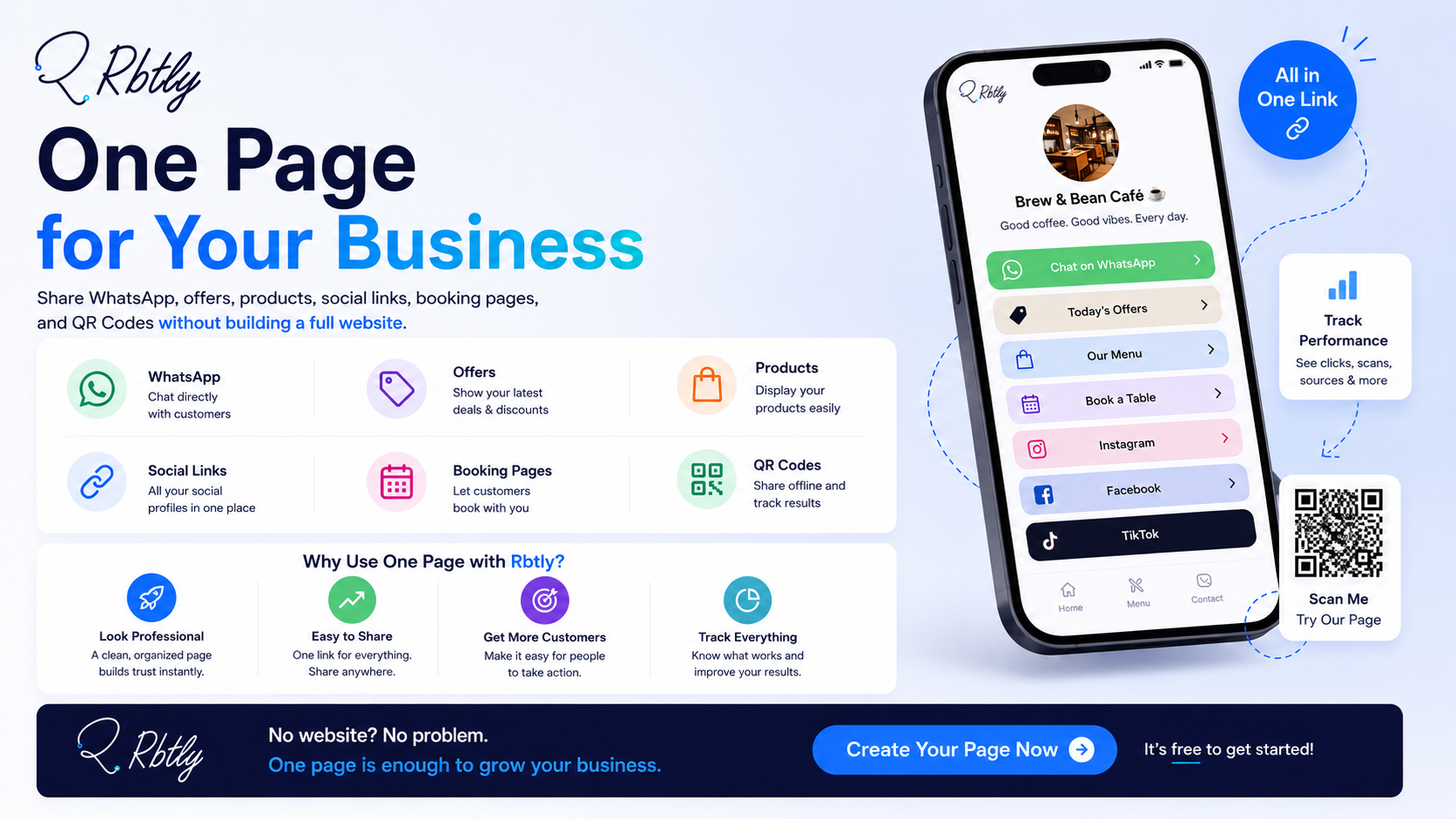
This is where a Bio Page can help. It allows teachers and course creators to collect all important links in one organized page that is easy to share and track.
Why Do Teachers and Courses Need a Bio Page?
A teacher or course creator does not always need a full website at the beginning.
In many cases, all they need is a simple page that collects the main links students or parents need.
Instead of sending a long message with many different links, you can send one clear link that contains everything.
A Bio Page can help you:
- Organize registration links.
- Collect course materials and study files.
- Direct students to WhatsApp, Telegram, or other groups.
- Add lesson videos and recorded sessions.
- Explain payment methods.
- Show the course schedule.
- Make communication easier for students and parents.
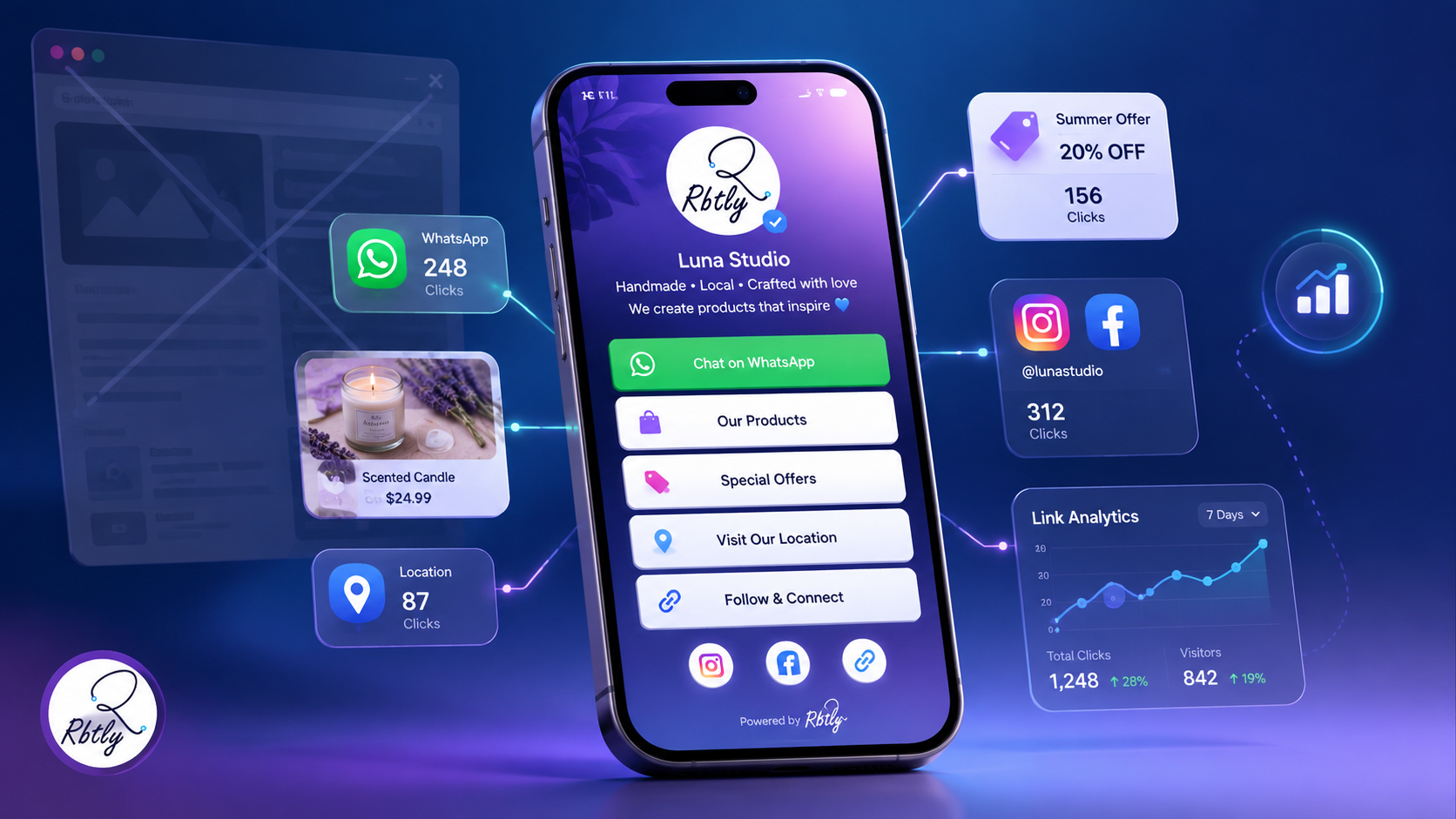
- Track clicks to understand which links students use most.
If you want to understand the difference between a Bio Page and a full website, read: Bio Page vs Website.
What Is a Bio Page for Courses?
A Bio Page for courses is a single page that contains the main links and information students need.
It can be used for a language course, Quran course, programming course, design course, marketing course, private tutoring plan, or educational center.
Instead of having links spread across WhatsApp messages, posts, files, and groups, everything is arranged inside one page.
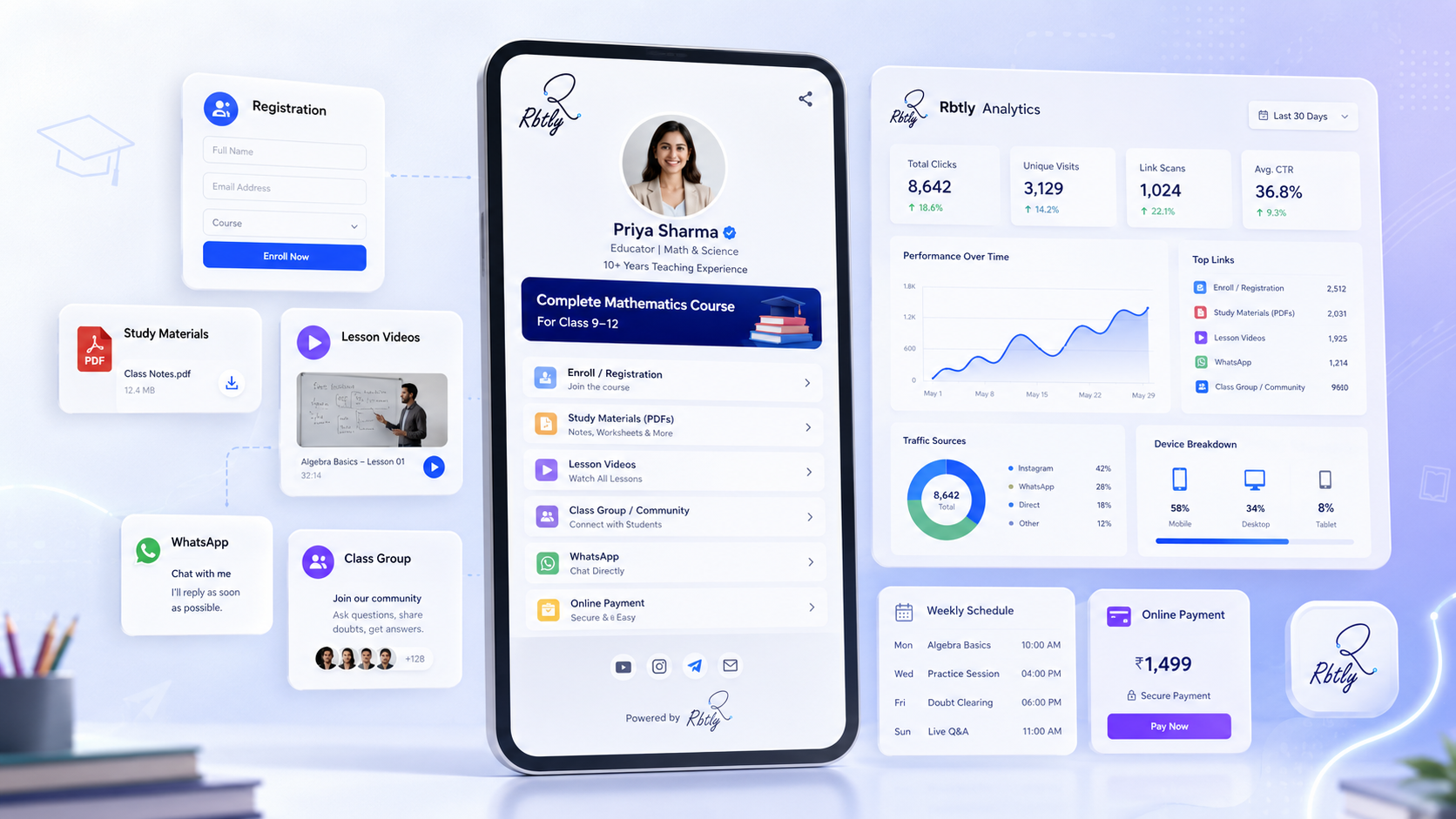
For example, a course Bio Page can include:
- Course registration button.
- WhatsApp contact button.
- PDF files and worksheets.
- YouTube lesson videos.
- Student group link.
- Payment link or payment instructions.
- Class schedule.
- Assignments or quiz links.
- Information about the teacher.
The page does not need to be complicated. It just needs to be clear, organized, and easy to use.
WhatsApp Messages vs Bio Page: What Is the Difference?
Sending links through WhatsApp may feel easy at first, but it becomes difficult as the number of links increases.
Messages get lost, students ask for the same links again, and every update requires sending another message.
Method | Problem | Better Approach |
|---|---|---|
Sending every link separately on WhatsApp | Links get lost inside messages | One page that collects all links |
Registration link in one place and files somewhere else | Students do not know where to start | Clear structure based on priority |
Updating links manually for each student | Too much repeated work | Update one page once |
No way to know which links matter most | No clear data | Track clicks and student interest |
Using a Bio Page makes the experience easier for both the teacher and the student.
What Should a Teacher or Course Bio Page Include?
1. A Short Course Introduction
The first part of the page should explain what the course is and who it is for.
You do not need a long description. A few clear lines are enough.
Examples:
- English foundation course for children aged 8 to 12.
- Beginner-friendly design course for new learners.
- Private English speaking improvement plan.
- Live online Quran and Arabic course for children.
The goal is to help the student or parent quickly understand whether this course is right for them.
2. Registration or Booking Button
If the goal of the page is to collect registrations, the registration button should be clear.
The button can say:
- Register now.
- Book your seat.
- Fill the registration form.
- Start here.
Do not hide the registration link at the bottom only. Make it visible in a clear place.
3. WhatsApp Button for Quick Questions
Many students and parents prefer WhatsApp before registration.
That is why a WhatsApp button inside the page is important.
You can also use different WhatsApp links for different campaigns or sources, so you know where messages come from.
To learn more, read: Smart WhatsApp Links: How to Track Where Your Messages and Leads Come From.
4. Files and Course Materials
If you have PDFs, worksheets, revision files, or study notes, organize them inside the page.
Do not place all files in one long list without structure.
It is better to divide them by:
- Level.
- Week.
- Lesson.
- File type.
- Student stage.
This helps students reach what they need quickly.
5. Lesson Videos
If your course includes YouTube videos or recorded sessions, you can organize them inside the page.
For example:
- Lesson 1 explanation video.
- Week 1 revision video.
- Listening practice.
- Pre-test revision.
- Assignment explanation.
Instead of searching through old messages, students can find all videos in one place.
6. Group Links
If you have a WhatsApp group, Telegram group, Facebook Group, or Discord server, add the link to the page.
It is also better to explain what each group is for.
- Important announcements group.
- Questions and follow-up group.
- Course files group.
- Current batch group.
This reduces confusion and helps students join the right group.
7. Payment Details
If payment is done through a bank transfer, wallet, payment link, or any specific instructions, make the steps clear.
You can add:
- Payment link.
- Payment instructions.
- Registration deadline.
- Button to send payment receipt on WhatsApp.
The clearer the payment steps are, the fewer repeated questions you receive.
8. Course Schedule or Study Plan
Students and parents need to know the schedule clearly.
Add:
- Class days.
- Class time.
- Program duration.
- Start date.
- Attendance method: online or offline.
Do not hide these details inside long messages.
Practical Examples of Using a Bio Page in Education
1. English Teacher
An English teacher can create a Bio Page for each level.
For example:
- Level 1: Reading and grammar basics.
- Level 2: Conversation and vocabulary.
- Level 3: Listening and writing.
- Level 4: Revision and tests.
Under each level, the teacher can add videos, practice files, and assignments.
2. Online Course Instructor
A marketing, design, or programming instructor can collect all course resources in one page.
For example:
- Registration link.
- Zoom or Google Meet link.
- Recorded lessons.
- PDF files.
- Follow-up group link.
- Assignment submission link.
3. Educational Center
An educational center can create a Bio Page for each subject or teacher.
For example:
- A page for English.
- A page for Math.
- A page for primary school students.
- A page for high school students.
This makes link management easier instead of sending everything manually.
4. Personalized Student Plan
In some cases, a teacher can create a page for one specific student, especially for private tutoring or individual follow-up plans.
The page can include:
- The student plan.
- Learning materials.
- Personalized videos.
- Weekly assignments.
- Teacher notes.
This is useful for teachers who offer one-to-one tutoring or custom learning plans.
How a Bio Page Helps Promote a Course
A Bio Page is not only useful for current students. It is also helpful for course marketing and registration.
You can place the link in:
- Instagram bio.
- Facebook page.
- TikTok profile.
- Social media ads.
- Parent groups.
- WhatsApp messages.
- QR Code on flyers or posters.
When someone opens the page, they find all important information instead of sending repeated questions.
If you promote your course across multiple channels, you can also create different links for each platform to understand which channel brings more interest.
Also read: How to Track Social Media Campaigns with Different Links for Each Platform.
Using QR Codes with a Course Bio Page
You can connect your course page to a QR Code and use it in printed materials or inside your center.
For example, you can place the QR Code on:
- Course flyers.
- Posters inside the center.
- Teacher business cards.
- Worksheets or printed materials.
- Printed ads in schools or learning centers.
When a student or parent scans the code, they open the course page directly.
If you want to understand how to use QR Codes in offline marketing, read: How to Use QR Codes in Offline Marketing and Track Results.
How Analytics Can Help Improve the Course Experience
When you collect course links in one trackable page, you can understand student behavior more clearly.
You can see:
- How many people opened the course page.
- How many clicked the registration button.
- How many clicked WhatsApp.
- Which PDF file gets more clicks.
- Which lesson video gets opened more.
- Whether the QR Code brought visits to the page.
- Whether Instagram or Facebook brings more students.
These insights help you understand what students care about and what needs improvement.
If you want a URL shortener with analytics, read: Best URL Shortener with Analytics.
Common Mistakes When Sharing Course Links
1. Sending Too Many Links Without Structure
This makes students feel lost, especially if they are new to the course.
2. Not Updating Old Links
Old or incorrect links create repeated questions and access problems.
3. Not Having a Clear CTA
If the goal is registration, make the registration button clear. If the goal is contact, make the WhatsApp button clear.
4. Placing All Files in One Long List
It is better to organize files by level, week, lesson, or topic.
5. Not Measuring Results
Without tracking, you will not know which links students use most or which marketing channel brings better registrations.
How Rbtly Helps Teachers and Course Creators
Rbtly helps you create an organized Bio Page for your course, teacher profile, or educational center, with trackable links.
You can use Rbtly to:
- Create a Bio Page for your course.
- Add registration links.
- Add WhatsApp contact buttons.
- Add files, videos, and course materials.
- Add group links.
- Add payment links or payment instructions.
- Use QR Codes on printed materials.
- Track clicks to understand which links are used most.
- Organize different courses or levels in separate pages.
Instead of students being surrounded by many messages and scattered links, they get one clear page where the learning journey starts.
Suggested Articles from Rbtly Blog
- Best Link in Bio Tool for Small Businesses
- Bio Page vs Website
- How to Create a Professional Bio Page for Your Small Business Without a Full Website
- Smart WhatsApp Links: How to Track Where Your Messages and Leads Come From
- How to Use QR Codes in Offline Marketing and Track Results
- Best URL Shortener with Analytics
Conclusion
Teachers and course creators need a simple way to organize registration, materials, communication, groups, and payments.
A Bio Page helps you collect everything in one link:
- Registration.
- WhatsApp.
- PDF files.
- Lesson videos.
- Groups.
- Payment.
- Course schedule.
- Assignments and quizzes.
Instead of losing links inside messages, collect everything in one organized page that is easy to share, update, and track.
FAQ
What is a Bio Page for courses?
It is one page that collects course registration links, study files, lesson videos, groups, WhatsApp, payment details, and schedule in an organized way.
Does a teacher need a full website?
Not always. In many cases, a Bio Page is enough to organize the main links and make information easier for students and parents to access.
Can I create a Bio Page for one student?
Yes. A teacher can create a custom page for one student, especially for private tutoring, personalized plans, or one-to-one follow-up.
Can I add PDF files and videos?
Yes. You can add links to PDF files, YouTube videos, recorded sessions, worksheets, and other learning materials.
Can I connect the course Bio Page with a QR Code?
Yes. You can create a QR Code that opens the course page and use it on flyers, posters, cards, worksheets, or inside an educational center.
How does Rbtly help teachers?
Rbtly helps teachers create organized Bio Pages, add registration links, materials, groups, WhatsApp, and track clicks to understand which links students use most.