Best QR Code Generator with Analytics: 9 Smart Ways to Track Marketing Campaigns
Best QR Code Generator with Analytics is not only about creating a QR Code. It is about knowing what happens after someone scans it.
If you use QR Codes on flyers, menus, posters, packaging, business cards, events, or printed ads, you need more than a simple QR image. You need a way to measure scans, track clicks, compare campaigns, and understand which offline materials bring real engagement.
That is why choosing the Best QR Code Generator with Analytics matters for modern marketing. With Rbtly, you can create trackable QR Codes, connect them with short links, update destinations, and measure campaign performance in one place.
Create your first trackable QR Code with Rbtly
Table of Contents
- What is the Best QR Code Generator with Analytics?
- Why QR Code analytics matter in marketing
- 9 smart ways to use the Best QR Code Generator with Analytics
- What should you track in QR Code campaigns?
- Who should use a QR Code Generator with Analytics?
- Why Rbtly is a smart QR Code Generator with Analytics
- Final thoughts
- FAQ
What is the Best QR Code Generator with Analytics?
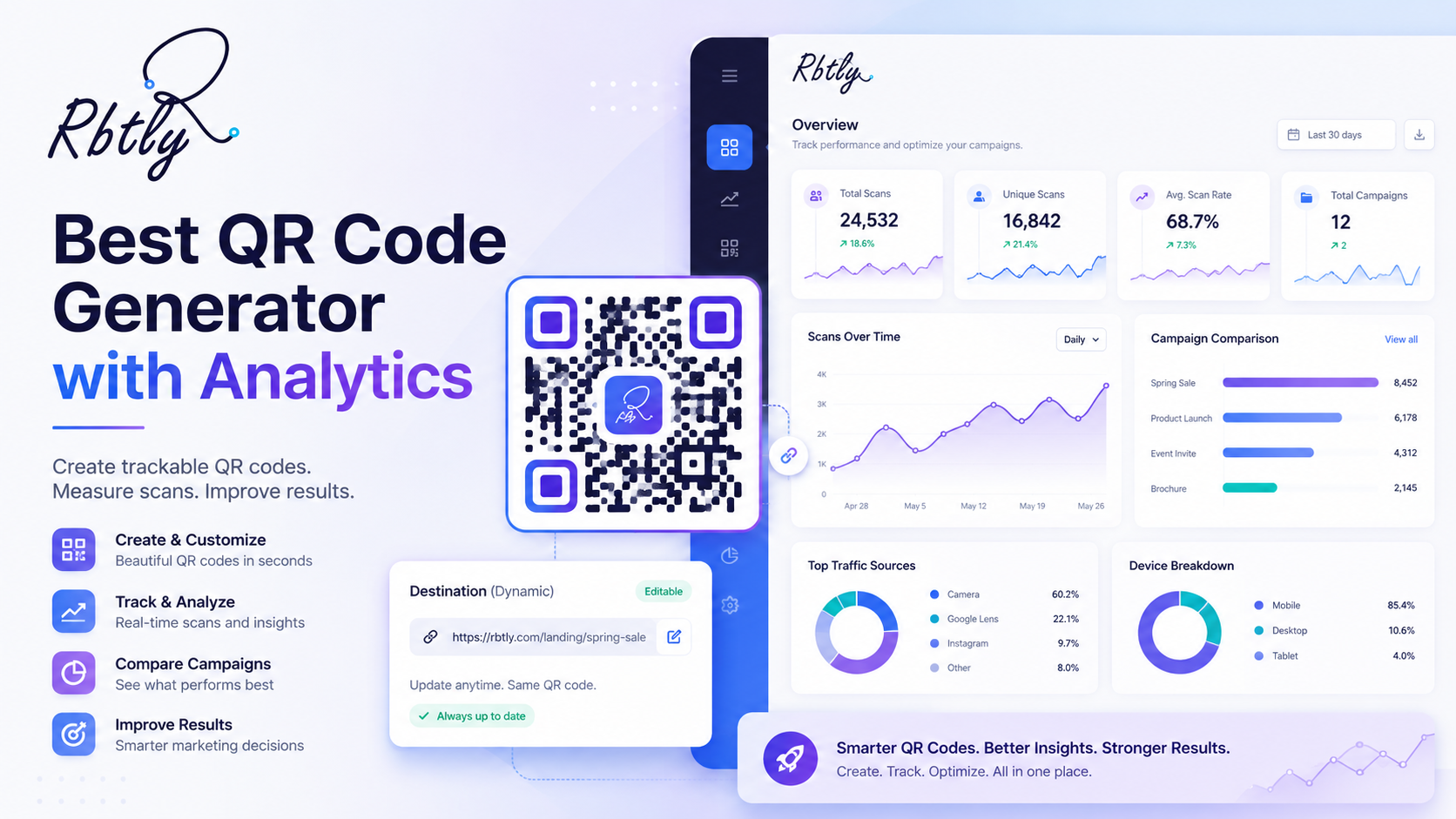
The Best QR Code Generator with Analytics is a tool that helps you create QR Codes and track how people interact with them.
A basic QR Code generator may only create a scannable image. That can be useful, but it does not answer important marketing questions.
For example:
- How many people scanned the QR Code?
- Which campaign generated more scans?
- Which printed material performed better?
- Did people click after scanning?
- Should you repeat the same campaign or change it?
A QR Code Generator with Analytics helps answer these questions. It turns a QR Code from a simple access point into a measurable marketing tool.
With Rbtly, QR Codes can be connected with tracking links, Bio Pages, landing pages, and analytics, so you can understand performance instead of guessing.
Why QR Code analytics matter in marketing
QR Codes are often used in offline marketing, but offline marketing is difficult to measure.
You may print 5,000 flyers, place posters in different locations, or add QR Codes to product packaging. But without analytics, you may not know if people actually scanned the code or took action.
This is where the Best QR Code Generator with Analytics becomes useful.
It helps you connect offline attention with online data. Instead of saying, “We printed the campaign,” you can say, “This campaign received scans, clicks, and measurable engagement.”
That changes how businesses, marketers, agencies, and print shops evaluate QR Code marketing campaigns.
For additional tracking structure, you can also use campaign parameters. Google provides a useful tool called Campaign URL Builder to help structure campaign links.
9 smart ways to use the Best QR Code Generator with Analytics
The Best QR Code Generator with Analytics should help you create QR Codes, measure results, and improve your marketing decisions.
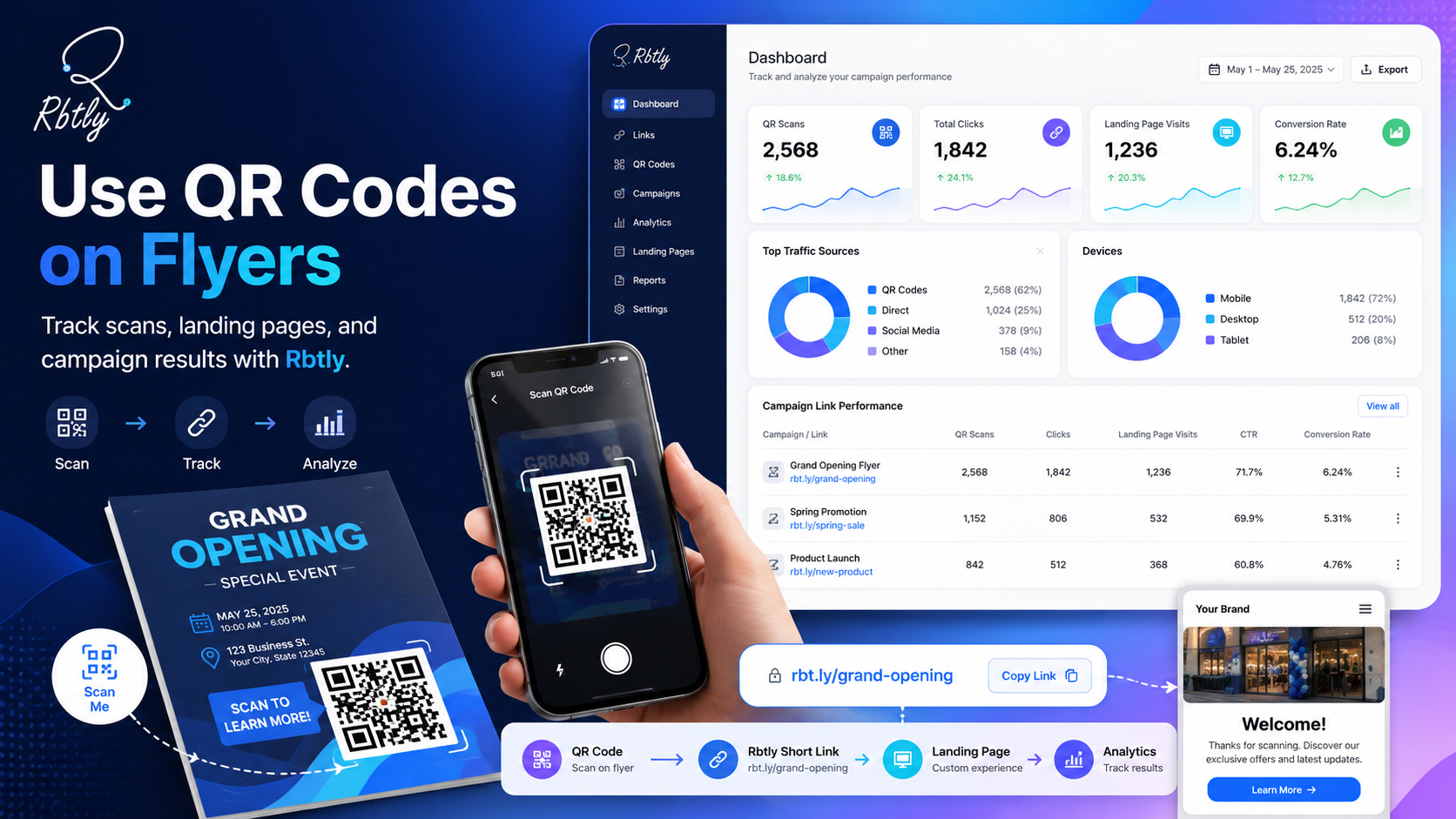
1. Track scans from flyers
Flyers are still useful for many businesses, but they are often hard to measure.
When you add a trackable QR Code to a flyer, you can see whether people scanned it. This helps you understand if the flyer design, offer, location, or distribution method worked.
For example, a gym, restaurant, clinic, course provider, or local store can print flyers with QR Codes and use Rbtly to track campaign performance.
If one flyer version gets more scans than another, you can use that data to improve the next campaign.
2. Measure restaurant menu QR Codes
Restaurants and cafes often use QR Codes for menus.
But a menu QR Code can do more than open a PDF or page. With a QR Code Generator with Analytics, restaurants can understand how many people scanned the menu and how customers interact with the page.
This can help restaurants test offers, update menus, promote delivery links, or guide customers to WhatsApp ordering.
You can read more about this use case here: QR Code Menu for Restaurants and Cafes.
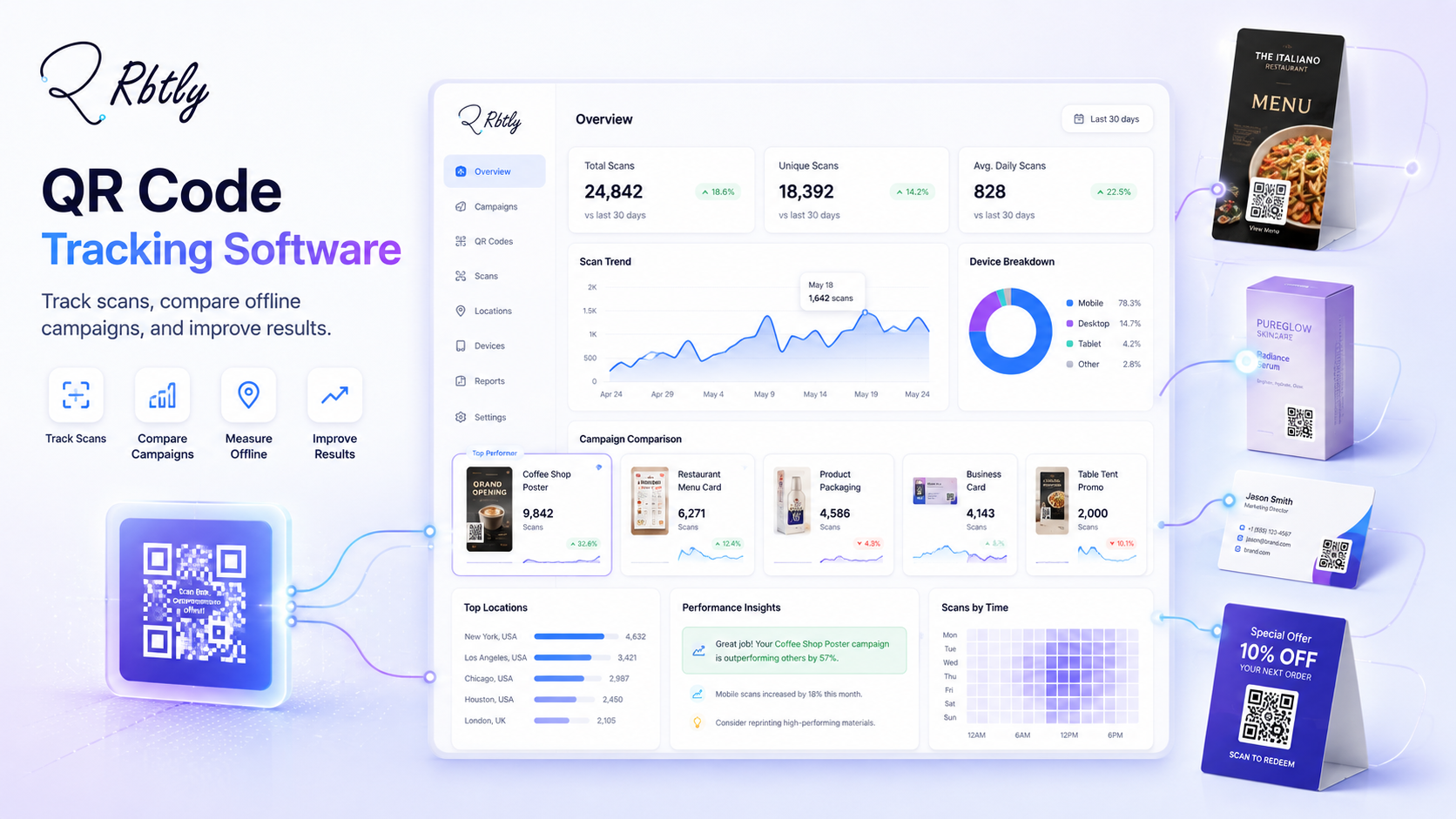
3. Compare posters in different locations
If you place posters in several locations, one QR Code for all posters may not give you enough insight.
A better approach is to create different trackable QR Codes for different locations or campaign versions.
This way, you can compare performance and know which location brings more scans.
The Best QR Code Generator with Analytics should make this comparison easier by helping you create and track different QR Codes for different campaign assets.
4. Track product packaging engagement
QR Codes on packaging can send customers to instructions, videos, offers, loyalty programs, support pages, or product registration pages.
With QR Code analytics, you can understand whether customers are scanning the code and what type of content gets the most engagement.
This is especially useful for brands that sell physical products and want to connect packaging with digital customer journeys.
5. Improve event marketing
Events can use QR Codes for registration, schedules, maps, speaker pages, sponsor pages, feedback forms, and special offers.
Using the Best QR Code Generator with Analytics helps event teams measure attendee engagement.
For example, they can see which QR Codes were scanned the most: registration desk, sponsor booth, printed badge, event poster, or session handout.
This data can help improve future event planning and sponsor reporting.
6. Track business card QR Codes
A business card QR Code can send people to a Bio Page, portfolio, booking link, WhatsApp chat, or contact page.
But without analytics, you may not know whether people actually scanned it.
With Rbtly, you can use a trackable QR Code and connect it to a Bio Page that includes your most important links.
Explore Rbtly Bio Pages here: Rbtly Bio Pages.
7. Connect QR Codes with campaign landing pages
QR Codes work better when the destination page is clear, mobile-friendly, and campaign-specific.
For example, instead of sending people to a general homepage, you can send them to a landing page with one offer, one message, and one clear CTA.
A QR Code Generator with Analytics helps you track both the scan and the next action after the scan.
This gives you a better picture of campaign performance.
8. Offer better reports to clients
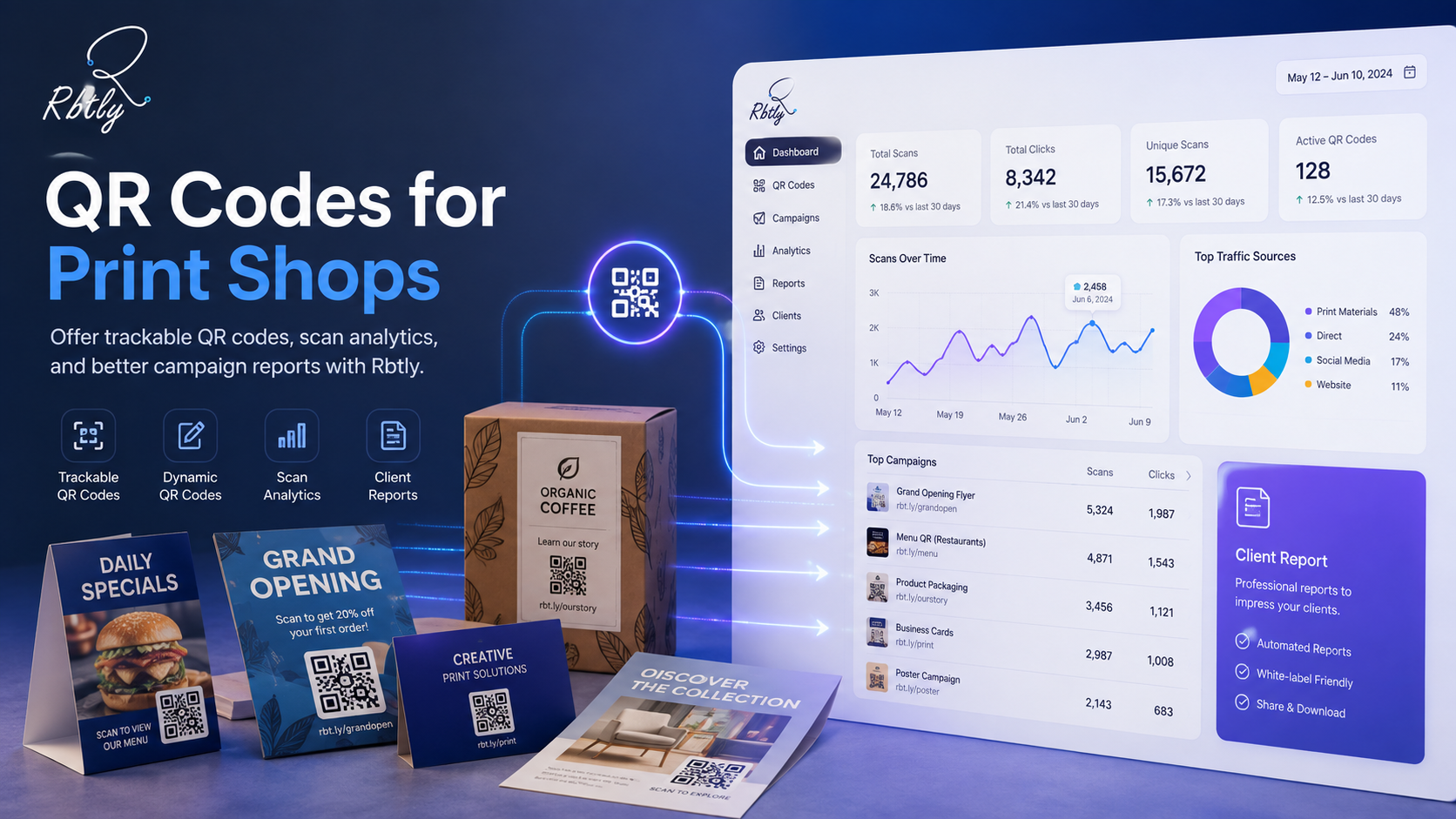
Agencies, designers, marketers, and print shops can use QR Code analytics to give clients better reports.
Instead of only delivering printed material or design files, they can show how QR Codes performed.
This adds value to the service and helps clients understand the impact of their offline campaigns.
For print shops and agencies, this can turn QR Codes into a measurable service, not just a design element.
9. Update campaigns without losing the printed QR Code
Dynamic QR Codes are useful because they give you flexibility after printing.
With Rbtly Dynamic QR Codes, you can update the destination link later without changing the printed QR Code shape.
This is helpful when you want to change an offer, replace a menu, fix a link, update a form, or move users to a new landing page.
You can also read: How to Change a QR Code Destination After Printing.
What should you track in QR Code campaigns?
The Best QR Code Generator with Analytics should help you track the data that matters for campaign decisions.
Useful QR Code metrics may include:
- Number of scans.
- Number of clicks after scanning.
- Campaign source.
- Device type.
- Country or location data when available.
- Time and date of engagement.
- Top performing QR Codes.
- Performance by campaign or channel.
Clicks alone are not always enough. You need context.
For example, if one QR Code gets many scans but no meaningful action after scanning, the issue may be the landing page, offer, or CTA.
If another QR Code gets fewer scans but more qualified clicks, it may be more valuable.
This is why QR code analytics should support marketing decisions, not just show numbers.
Best QR Code Generator with Analytics checklist
Before choosing a tool, use this checklist to decide whether it is the Best QR Code Generator with Analytics for your campaigns.
- Can you create Dynamic QR Codes?
- Can you track QR Code scans?
- Can you update the destination after printing?
- Can you track clicks after the scan?
- Can you create different QR Codes for different campaigns?
- Can you connect QR Codes with landing pages or Bio Pages?
- Can you use short links for better tracking?
- Can you compare performance across campaigns?
- Can you use the data to improve marketing decisions?
If the answer is yes, the tool is more than a QR Code generator. It is a marketing analytics tool.
Who should use a QR Code Generator with Analytics?
A QR Code Generator with Analytics is useful for any business that uses QR Codes in marketing, sales, customer service, or offline materials.
Small businesses
Small businesses can use trackable QR Codes for offers, contact links, menus, booking pages, product pages, and social media profiles.
Restaurants and cafes
Restaurants can use QR Codes for menus, feedback, delivery links, WhatsApp ordering, and seasonal promotions.
Print shops
Print shops can offer clients trackable QR Codes as an added service with measurable campaign reports.
Marketing agencies
Agencies can use QR Code analytics to measure offline campaigns and report results to clients.
Event organizers
Event teams can track engagement across badges, posters, booths, schedules, feedback forms, and registration pages.
Course creators and educators
Course creators can use QR Codes for registration, lesson files, WhatsApp groups, payment links, and student resources.
Why Rbtly is a smart QR Code Generator with Analytics
Rbtly helps marketers, small businesses, creators, and agencies create trackable QR Codes and connect them with the rest of their link management system.
With Rbtly, you can create QR Codes, short links, Bio Pages, and campaign links from one platform.
This makes Rbtly a strong option if you are looking for the Best QR Code Generator with Analytics for marketing campaigns.
Rbtly helps you:
- Create Dynamic QR Codes.
- Track QR Code scans.
- Measure clicks after scans.
- Update QR Code destinations later.
- Connect QR Codes with Bio Pages.
- Create short links for campaigns.
- Compare campaign performance.
- Use analytics to improve marketing decisions.
Explore the QR Code feature here: Rbtly QR Codes.
You can also learn how to create helpful, user-focused content and pages from Google Search Central.
Final thoughts
The Best QR Code Generator with Analytics should help you create QR Codes and understand their real impact.
For marketing campaigns, scan data matters. Click data matters. Campaign comparison matters. The ability to update destinations after printing also matters.
If you only create a QR Code without tracking, you may miss important insights about your audience and your offline marketing materials.
Rbtly gives you a smarter way to create trackable QR Codes, connect them with short links and Bio Pages, and measure campaign performance from one place.
Create your first trackable QR Code with Rbtly
FAQ
What is the Best QR Code Generator with Analytics?
The Best QR Code Generator with Analytics is a tool that lets you create QR Codes, track scans, measure clicks, compare campaigns, and improve marketing decisions. Rbtly helps you create trackable QR Codes and connect them with link analytics.
Why do QR Codes need analytics?
QR Code analytics help you understand whether people scanned your code, which campaigns performed better, and what actions happened after scanning. This makes QR Codes more useful for marketing.
Can I track QR Code scans with Rbtly?
Yes. Rbtly helps you create trackable QR Codes and review performance data so you can understand scans, clicks, and campaign behavior.
Can I change the QR Code destination after printing?
Yes. With Rbtly Dynamic QR Codes, you can update the destination link later without changing the printed QR Code shape.
What can I use QR Codes with Analytics for?
You can use QR Codes with Analytics for flyers, menus, posters, packaging, business cards, events, landing pages, WhatsApp links, Bio Pages, and campaign tracking.
Is a QR Code Generator with Analytics useful for agencies?
Yes. Agencies can use a QR Code Generator with Analytics to measure offline campaigns, compare campaign assets, and provide better reports to clients.
What is the difference between a basic QR Code generator and a QR Code Generator with Analytics?
A basic QR Code generator creates a scannable code. A QR Code Generator with Analytics helps you track scans, measure clicks, compare campaigns, and improve marketing performance.
Does Rbtly support Bio Pages with QR Codes?
Yes. You can use Rbtly QR Codes to send users to Bio Pages that include multiple links, such as WhatsApp, social media, offers, forms, and product pages.