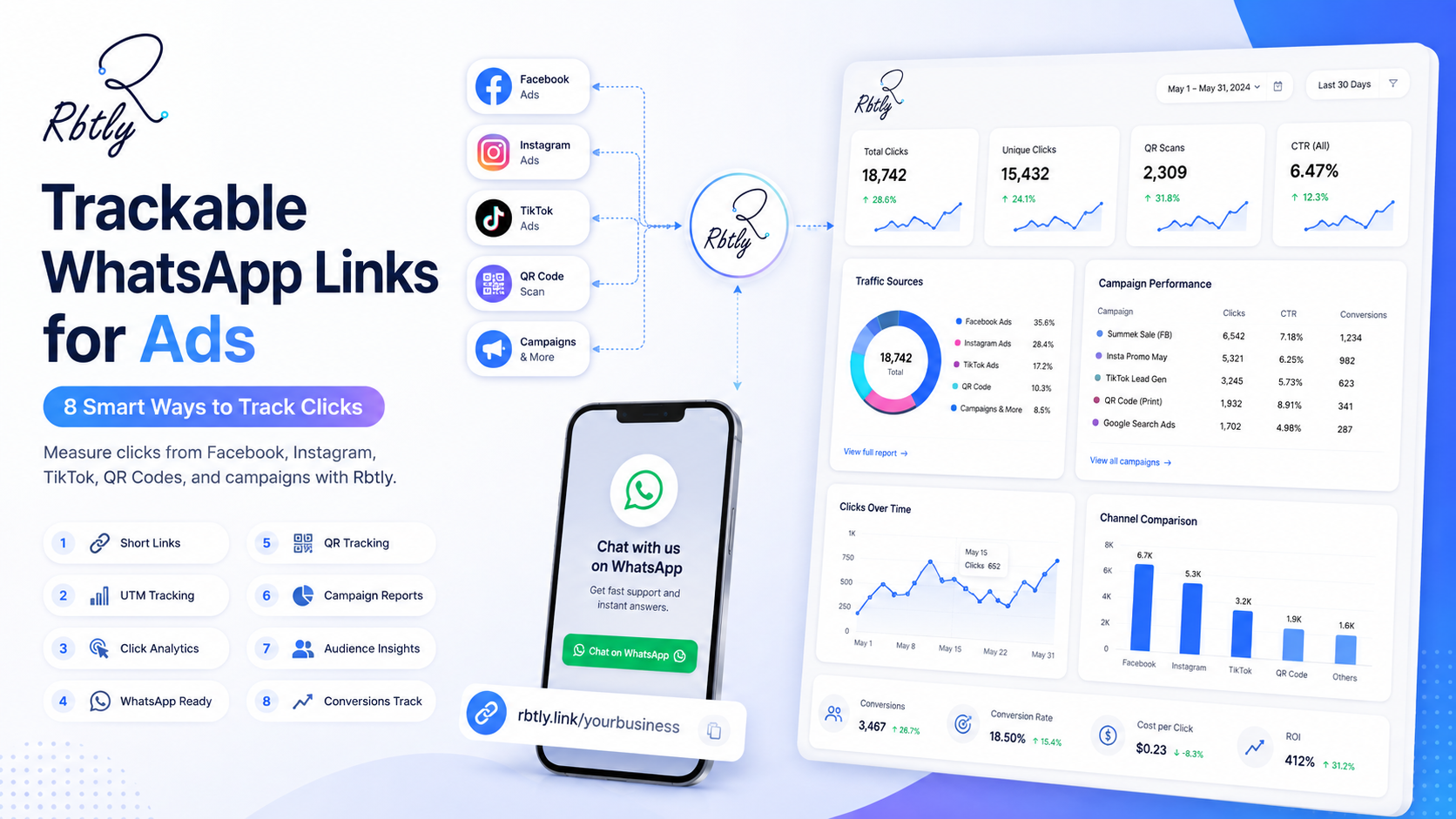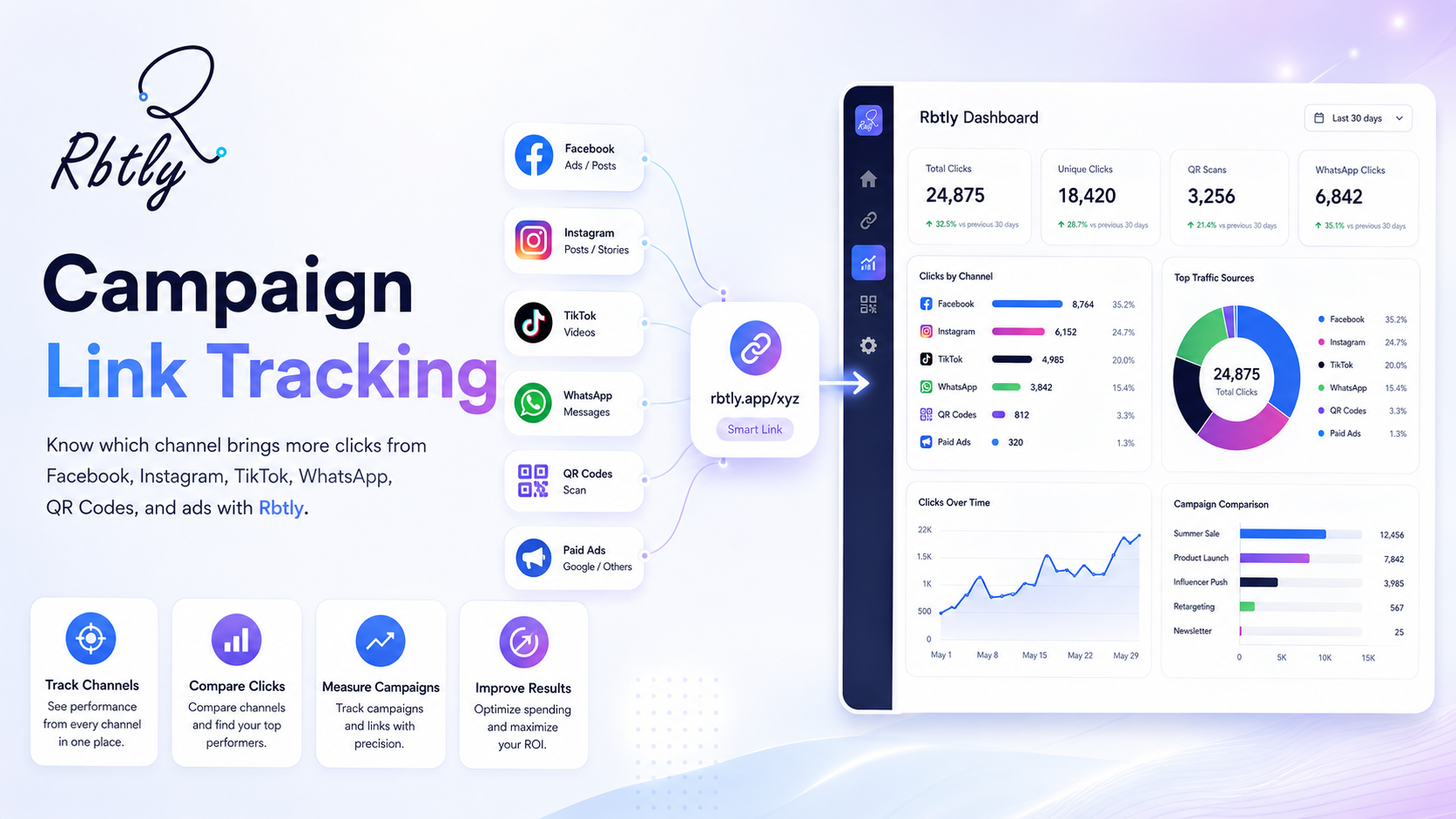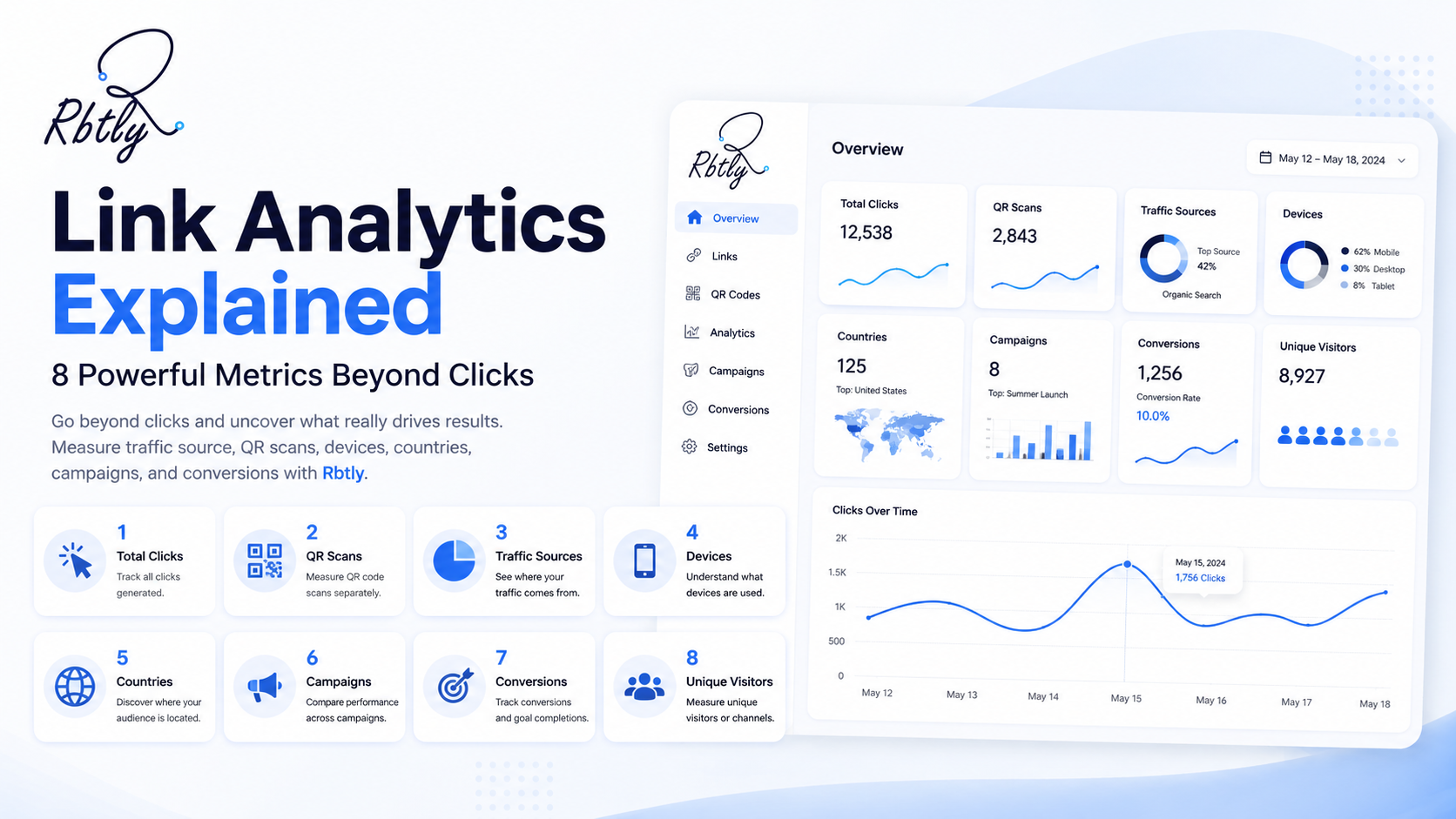
Link Analytics Explained: 8 Powerful Metrics to Measure Beyond Clicks
Link Analytics Explained means understanding what happens after people click your links, scan your QR Codes, open your Bio Page, or interact with your campaign links.
Clicks are important, but clicks alone do not tell the full story. A link may get many clicks from the wrong audience, while another link may get fewer clicks but bring better leads, signups, or customer actions.
That is why Link Analytics Explained is useful for marketers, small businesses, agencies, creators, and teams that want to make better decisions. With Rbtly, you can create trackable links, QR Codes, Bio Pages, and campaign links, then use analytics to understand what is really working.
Start tracking your links with Rbtly
Table of Contents
- What does Link Analytics Explained mean?
- Why clicks alone are not enough
- 8 powerful link analytics metrics to measure beyond clicks
- How to use link analytics in marketing decisions
- Common link analytics mistakes
- Why use Rbtly for link analytics?
- Link Analytics Explained checklist
- FAQ
What does Link Analytics Explained mean?
Link Analytics Explained is about understanding the data behind your links.
When you share a link on Facebook, Instagram, TikTok, WhatsApp, email, a QR Code, or a Bio Page, you should not only ask how many people clicked.
You should also ask where those clicks came from, what device people used, which campaign performed better, and whether the clicks were useful for your business.
Link analytics helps answer questions like:
- How many people clicked the link?
- Which campaign brought the clicks?
- Which platform performed better?
- Which country did the clicks come from?
- Were the clicks from mobile or desktop?
- Did QR Codes generate scans?
- Did Bio Page buttons get clicks?
- Did the clicks lead to signups, leads, or sales?
This turns link sharing from a simple action into a measurable marketing process.
Why clicks alone are not enough
Clicks are useful, but they can be misleading if you look at them alone.
For example, one link may get 1,000 clicks, but most of them may come from countries you do not target. Another link may get 100 clicks from your exact target audience and bring more leads.
This is why Link Analytics Explained should always go beyond total clicks.
Total clicks can show interest, but they do not always show quality.
You need to understand the full context behind the click:
- Where did the click come from?
- Was the click from the right audience?
- Did the user take the next step?
- Which channel deserves more focus?
- Which campaign should be improved?
Without this context, marketing decisions may be based on incomplete data.
8 powerful link analytics metrics to measure beyond clicks
Link Analytics Explained becomes more useful when you know which metrics to review. Here are the most important metrics to measure beyond simple click count.
1. Total clicks
Total clicks are the starting point of link analytics.
This metric tells you how many times people clicked a specific link.
Total clicks can help you compare links, campaigns, posts, CTAs, QR Codes, and Bio Page buttons.
For example, if one campaign link gets more clicks than another, that may mean the offer, message, or channel attracted more attention.
But total clicks should not be the only metric you use.
2. Click source
Click source tells you where the clicks came from.
This is one of the most important parts of link analytics because it helps you compare channels.
For example, you may want to know whether clicks came from Facebook, Instagram, TikTok, WhatsApp, email, a QR Code, a Bio Page, or a paid ad.
If you use the same link everywhere, it becomes harder to understand the source.
A better approach is to create separate trackable links for each channel.
You can learn more here: Campaign Link Tracking: How to Know Which Channel Brings More Clicks.
3. Country and location data
Country data helps you understand whether your traffic is coming from your target market.
This is important because not every click has the same value.
If your business targets Egypt, Saudi Arabia, UAE, the United States, or another specific market, then clicks from those countries may be more useful than random traffic from unrelated locations.
Country data can help you evaluate traffic quality.
For example, if an English article brings clicks from your target international market, that may be a good signal. If an Arabic article gets most clicks from non-Arab countries, you may need to investigate traffic quality.
4. Device type
Device data tells you whether people clicked from mobile, desktop, or tablet.
This is useful because many marketing actions happen on mobile.
QR Code scans, WhatsApp clicks, Bio Page visits, and social media clicks usually happen from mobile devices.
If most of your link clicks come from mobile, your destination page must be fast, clear, and mobile-friendly.
Device data helps you improve the user experience after the click.
5. QR Code scans
If you use QR Codes, scans are a key metric.
QR Code scans help you measure offline marketing campaigns like flyers, menus, posters, packaging, table cards, business cards, and event materials.
A scan shows that someone interacted with the printed material.
When QR Code scans are connected with link clicks and landing page actions, you get a clearer view of offline-to-online performance.
You can also read: QR Code Tracking Software: How to Measure Offline Campaigns.
6. Bio Page link clicks
A Bio Page may include many links in one place.
For example, it may include WhatsApp, Instagram, Facebook, products, offers, payment links, forms, location, booking links, and videos.
Bio Page link clicks help you understand which buttons people care about most.
If your WhatsApp button gets more clicks than your product page, that tells you something about user intent.
If your offer button gets weak clicks, you may need to improve the copy, position, or offer.
Explore Rbtly Bio Pages here: Rbtly Bio Pages.
7. Campaign performance
Campaign performance helps you compare different marketing activities.
For example, you may run one campaign on Instagram, another on Facebook, another through QR Codes, and another through WhatsApp.
Link analytics helps you compare these campaigns by clicks, source, device, and audience quality.
This is where link tracking becomes more valuable than simple link sharing.
Campaign performance data helps you know which campaign should be repeated, improved, or stopped.
8. Next action after the click
The most important question is not only “Did people click?”
The better question is “What happened after the click?”
Depending on your campaign, the next action may be:
- A signup.
- A WhatsApp conversation.
- A product view.
- A form submission.
- A booking.
- A payment.
- A download.
- A QR Code scan followed by a landing page visit.
This is why link analytics should be connected with your wider funnel whenever possible.
Clicks show the first action. Conversions show whether the action was useful.
How to use link analytics in marketing decisions
Link Analytics Explained is not only about reading reports. It is about using the data to improve decisions.
Compare channels
Create different links for different platforms.
For example, use one link for Facebook, another for Instagram, another for TikTok, and another for WhatsApp.
Then compare which channel brings more useful clicks.
Compare campaign messages
If you have two versions of a campaign, create different links for each version.
This helps you know which message generated more clicks.
Compare CTAs
If you use different CTAs, track them separately.
For example, compare “Start Now” with “Create Your Free Link” or “Track Your Campaign.”
CTA tracking helps you improve conversion language.
Compare offline materials
If you print flyers, posters, menus, or business cards, use different QR Codes for each material.
This helps you understand which printed asset performs better.
Improve landing pages
If a link gets many clicks but few next actions, the problem may be the destination page.
The page may be slow, unclear, not mobile-friendly, or missing a strong CTA.
Link analytics helps you notice this issue faster.
You can also learn more about creating helpful, user-focused pages from Google Search Central.
Common link analytics mistakes
Even simple link analytics can become confusing if the setup is not clean.
Using the same link everywhere
This is one of the biggest mistakes.
If you use one link across every platform, you will not clearly know which platform created the clicks.
Only looking at total clicks
Total clicks are useful, but they do not show traffic quality.
You should also review source, country, device, campaign, and next action.
Ignoring country quality
If clicks come from countries outside your target market, they may not be useful for your campaign goal.
Always compare clicks with the countries you actually target.
Not naming links clearly
Clear naming makes reports easier to understand.
Use names like “August Instagram Bio Link” or “Restaurant Flyer QR Code” instead of “Link 1” or “Test 2.”
Not connecting clicks with conversions
A click is not always a conversion.
Where possible, compare link clicks with signups, leads, WhatsApp messages, purchases, form submissions, or active users.
Why use Rbtly for link analytics?
Rbtly helps you create trackable links and understand how people interact with them.
This makes Rbtly useful when you want Link Analytics Explained in a practical way for real campaigns.
With Rbtly, you can:
- Create short links.
- Track link clicks.
- Create QR Codes.
- Track QR Code scans.
- Create Bio Pages.
- Measure Bio Page link clicks.
- Create campaign-specific links.
- Compare marketing channels.
- Understand which links bring more action.
Rbtly helps marketers, small businesses, agencies, creators, educators, restaurants, and print shops manage links and measure performance from one platform.
You can also explore Rbtly QR Codes here: Rbtly QR Codes.
Link Analytics Explained checklist
Use this checklist when reviewing link performance.
- Did you create a separate link for each campaign?
- Did you create separate links for each channel?
- Did you name every link clearly?
- Are you checking total clicks?
- Are you checking click source?
- Are you checking country quality?
- Are you checking device type?
- Are you tracking QR Code scans when relevant?
- Are you tracking Bio Page button clicks?
- Are you comparing clicks with real actions?
This checklist helps you move beyond basic click counting and build a better tracking process.
Final thoughts
Link Analytics Explained is simple when you think beyond total clicks.
Clicks matter, but they are only the first signal.
To understand marketing performance, you should also measure source, campaign, country, device, QR Code scans, Bio Page clicks, and the next action after the click.
With Rbtly, you can create trackable short links, QR Codes, Bio Pages, and campaign links, then use analytics to understand what is working.
If your business shares links across social media, WhatsApp, QR Codes, ads, or Bio Pages, link analytics can help you make better decisions.
Start tracking your links with Rbtly
FAQ
What does Link Analytics Explained mean?
Link Analytics Explained means understanding the data behind your links, including clicks, sources, countries, devices, QR Code scans, Bio Page clicks, campaigns, and next actions after the click.
Why are clicks not enough?
Clicks are useful, but they do not always show quality. You also need to know where clicks came from, whether they came from your target audience, and whether users took the next step.
What should I measure in link analytics?
You should measure total clicks, click source, country, device type, campaign performance, QR Code scans, Bio Page button clicks, and conversions when possible.
Can I track QR Code scans with link analytics?
Yes. With Rbtly, you can create QR Codes and track scans, helping you measure offline marketing materials like flyers, menus, posters, packaging, and business cards.
Can I track Bio Page link clicks?
Yes. Bio Page link clicks help you understand which buttons or destinations people choose from your Bio Page.
How can link analytics improve marketing?
Link analytics helps you compare channels, campaigns, CTAs, QR Codes, and content types. This makes it easier to improve future marketing decisions.
Does Rbtly support link analytics?
Yes. Rbtly helps you create trackable short links, QR Codes, Bio Pages, and campaign links, then measure clicks and performance.
What is the best way to start with link analytics?
The best way is to create separate trackable links for each campaign and channel, name them clearly, review results regularly, and compare clicks with real business actions.